
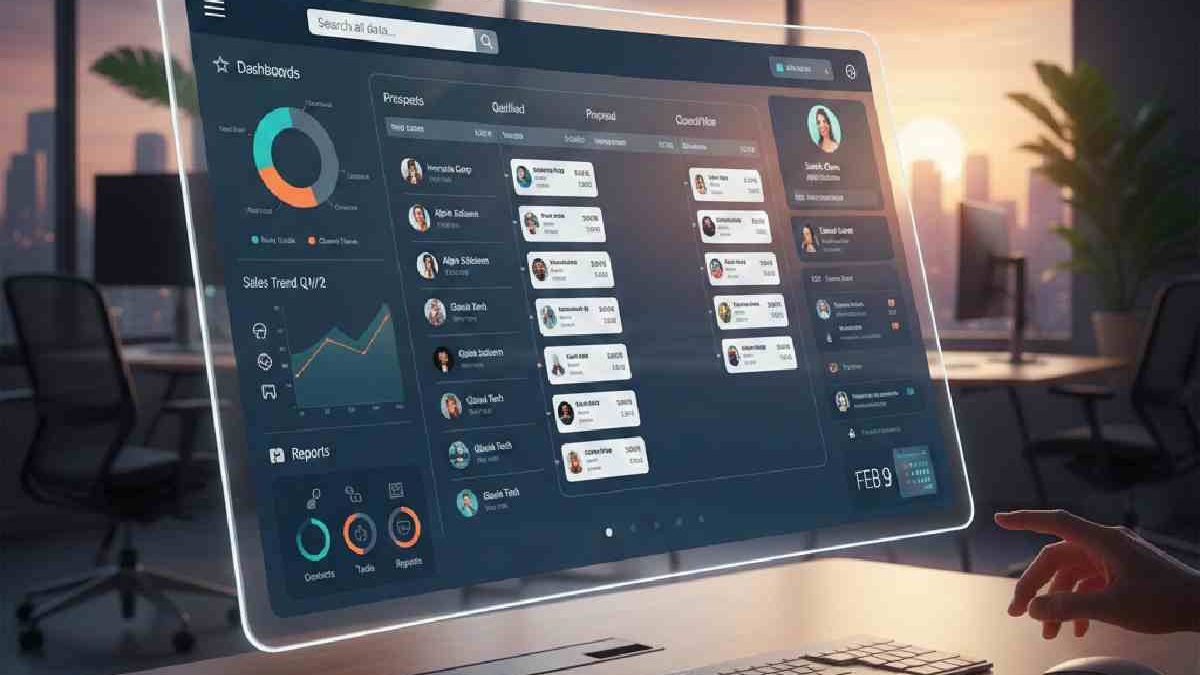
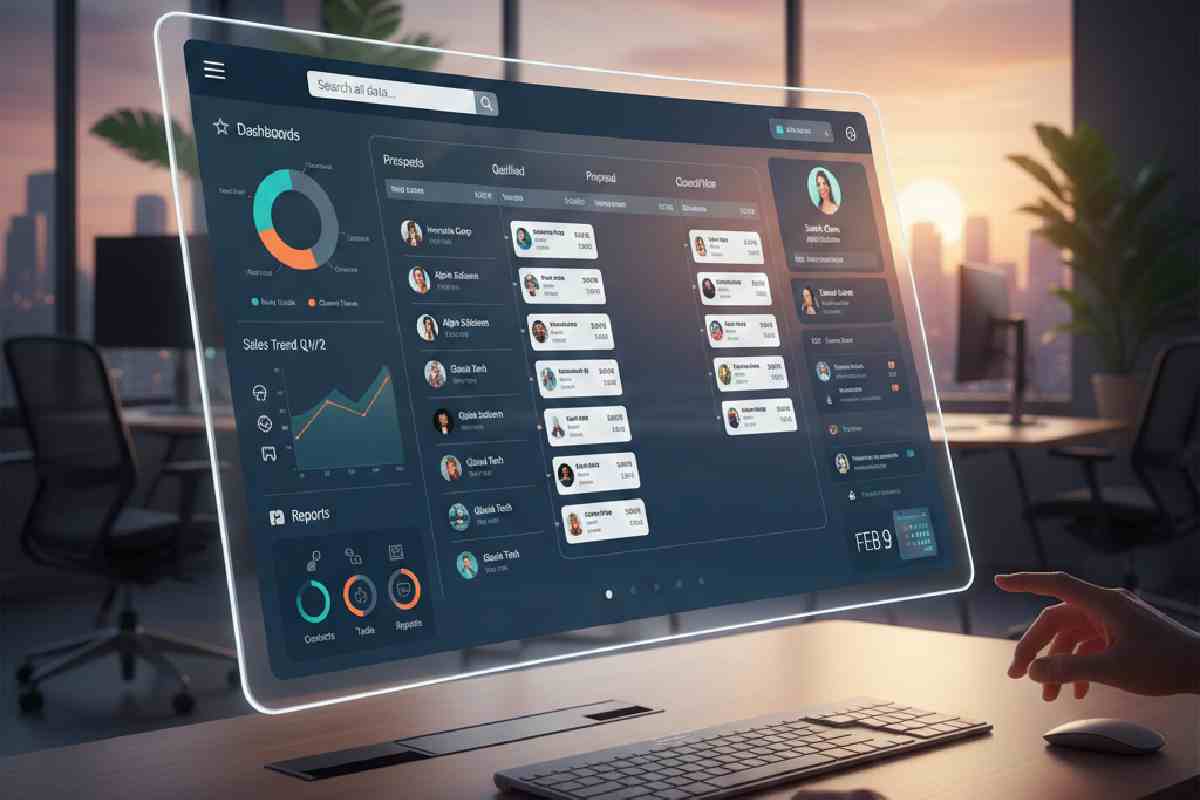
Running a small business in 2026? With Instagram DMs, email subscriptions, and that viral Tik Tok, you are likely full of leads and working on making deals with a non-full time sales staff. The selection of the appropriate CRM is like the herding of cats; there is such a variety of choices, limitless features, and prices, which skyrocket when you add users.
We’ve been there, testing 20+ tools in real small-biz setups (think 5-20 person teams cranking 500+ leads/month), and this guide is your shortcut: Fresh 2026 recs on the top 5 CRMs that actually scale without breaking the bank. From HubSpot’s unbeatable free tier to Zoho’s AI capabilities, we’ll compare and review and provide a plan to get started today.
Table of Contents
What is CRM Software?
CRM (Customer Relationship Management) software helps businesses manage, track, and enhance their relationships with prospective customers and leaders. It integrates customer data, communication history, and sales activities into a single centralized system. Which makes teams simpler to be organized and provide improved customer experiences.
Fundamentally, CRM software enables small and large companies to understand their customers, generate leads effectively, and build long-term relationships that drive growth.
What CRM Software Does
| CRM Function | What It Does | Business Benefit |
| Contact Management | Stores and organizes customer details (name, email, phone, company) | Easy access to all customer info in one place |
| Lead & Opportunity Tracking | Tracks potential customers through the sales process | Helps teams prioritize and close more deals |
| Sales Pipeline Management | Visualizes sales stages and progress | Improves forecasting and sales planning |
| Task & Activity Tracking | Records calls, emails, follow-ups, and reminders | Ensures no follow-up is missed |
| Customer Interaction History | Logs all touchpoints with customers across channels | Teams have full context before each interaction |
| Reporting & Analytics | Generates performance reports and dashboards | Data-driven decision making and performance measurement |
| Automation | Automates repetitive tasks like follow-up emails & reminders | Saves time and improves consistency |
| Email Integration | Syncs email communication with CRM records | Keeps all conversations linked to customer profiles |
| Customer Support Tracking | Manages service tickets and support interactions | Better post-sales service and faster resolution |
| Marketing Tools | Segments audiences and runs campaigns | Drives targeted outreach and leads conversion |
What to Look for in a 2026 CRM
| Feature | What It Does | Why It Matters in 2026 |
| Ease of Use | Simple interface and workflow | Helps teams adopt the tool quickly without lengthy training |
| Automation Tools | Automates follow-ups, tasks, and campaigns | Saves time and increases consistency in sales & marketing |
| AI-Powered Insights | Suggests next best actions, lead scoring, trends | Improves decision-making with predictive analytics |
| Mobile Access | CRM available on mobile apps | Supports on-the-go work and remote teams |
| Integration Capabilities | Connects with email, calendars, social & support tools | Creates a unified ecosystem for data and workflows |
| Customization | Tailors fields, pipelines, dashboards | Fits unique business processes and industry needs |
| Scalability | Grows with your business | Prevents outgrowing your CRM as your team expands |
| Security & Compliance | Data encryption and privacy controls | Protects sensitive customer data and meets regulations |
| Reporting & Dashboards | Visual analytics and customizable reports | Tracks performance and highlights priorities |
| Customer Support | 24/7 help, training resources, onboarding support | Reduces downtime and speeds up problem resolution |
| Pricing Flexibility | Clear tiers and transparent costs | Affordable options for small teams with future growth in mind |
Top 5 CRM Platforms Compared for Small Business
We pitted these against 2025 benchmarks: Ease (setup <2 hours), scalability (up to 50 users), and ROI (e.g., 25% faster closes per PCMag tests). Prices annual-billed; free tiers unlimited time.
| CRM Platform | Starting Price (per user/mo) | Best For | Key 2025 Features | Pros | Cons |
| HubSpot CRM | Free; $15 (Starter) | Startups & inbound marketing | AI Breeze (content gen, insights); 1M contacts free; Gmail sync | Free forever tier; seamless integrations (900+) | Advanced AI locked behind $800 Pro |
| Zoho CRM | Free (3 users); $14 (Standard) | Budget-conscious SMBs | Zia AI (lead scoring, forecasting); 900+ Zoho apps; mobile-first | Affordable scaling; unlimited storage on higher tiers | Steeper learning curve for custom workflows |
| Freshsales | Free (3 users); $9 (Growth) | Sales-focused teams | Freddy AI (chatbots, sequences); visual pipelines; WhatsApp integration | Built-in phone/email; easy AI lead scoring | Limited reporting on free; no native invoicing |
| Salesforce Essentials | $25 (Starter) | Growing teams needing power | Einstein AI (predictions); AppExchange (7k+ apps); mobile alerts | Robust security/compliance; high customization | Higher entry price; setup can take 1-2 weeks |
| monday.com CRM | $12 (Basic) | Visual workflow lovers | Custom boards/pipelines; AI automations (250/mo); Google Calendar sync | Drag-and-drop ease; unlimited pipelines | 3-seat min; advanced analytics on Pro ($28) |
Best CRM Software for Small Business (Country-Wise)
United States — CRM Software for Small Business
| CRM Software | Price Range (USD / user/mo) | Avg. Review / Notes | Resource / Link |
| Zoho CRM | $14–$52/user/mo | Feature-rich CRM with automation, sales pipeline tools; good value for money. ~4.5/5 | https://www.techradar.com/reviews/zoho-crm-review |
| HubSpot CRM | Free & paid plans (from ~$15+/user/mo) | Strong free tier with core features; scales with add-ons; UX praised. ~4.5/5 | https://www.techradar.com/reviews/hubspot-crm-review |
| Freshsales (Freshworks CRM) | Free–$59/user/mo | Easy to set up with AI support; solid small business choice. ~4.5/5 | https://www.techradar.com/reviews/freshworks-review |
| Pipedrive | $12–$79/user/mo | Excellent visual sales pipeline; intuitive UI. ~4.4/5 | https://www.techradar.com/reviews/pipedrive-crm-review |
| Zendesk Sell | ~$19–$169/user/mo | Good mobile CRM experience; integrates with support tools. ~4.2/5 | https://www.techradar.com/reviews/zendesk-sell-crm-review |
United Kingdom — CRM Software for Small Business
| CRM Software | Price Range (GBP / user/mo approx.) | Avg. Review / Notes | Resource / Link |
| Zoho CRM | ~£12–£45 | Highly customizable CRM with lead & deal management. ~4.5/5 | https://www.techradar.com/reviews/zoho-crm-review |
| HubSpot CRM | Free & paid (Starter from ~$15 equiv) | Excellent free tier; inbound marketing features. ~4.5/5 | https://www.techradar.com/reviews/hubspot-crm-review |
| Agile CRM | Free–~£8.99 | Affordable CRM with marketing tools; strong small business reviews. ~4.8/5 | https://www.forbes.com/uk/advisor/business/software/best-crm-small-business/ |
| Freshsales (Freshworks CRM) | ~£7–£50 | Good overall CRM with automation and Freddy AI. ~4.5/5 | https://www.techradar.com/reviews/freshworks-review |
| Pipedrive | ~£12–£79 | Simple pipeline focus; good for sales teams. ~4.4/5 | https://www.techradar.com/reviews/pipedrive-crm-review |
Canada — CRM Software for Small Business
| CRM Software | Price Range (CAD / user/mo) | Avg. Review / Notes | Resource / Link |
| Freshsales (Freshworks CRM) | CAD ~10–70 | Strong choice with AI features and easy setup. ~4.5/5 | https://www.expertmarket.com/ca/crm/compare-crm-prices |
| HubSpot CRM | Free & paid options | No-cost core CRM suits small teams with growth potential. ~4.5/5 | https://www.techradar.com/reviews/hubspot-crm-review |
| Zoho CRM | ~CAD 15–55 | Affordable and scalable, good integration set. ~4.5/5 | https://www.techradar.com/reviews/zoho-crm-review |
| Pipedrive | CAD ~16–90 | Simple pipeline CRM with strong usability. ~4.4/5 | https://www.techradar.com/reviews/pipedrive-crm-review |
Australia — CRM Software for Small Business
| CRM Software | Price Range (AUD / user/mo) | Avg. Review / Notes | Resource / Link |
| Zoho CRM | AUD ~18–70 | Great all-around CRM with automation. ~4.5/5 | https://www.techradar.com/reviews/zoho-crm-review |
| HubSpot CRM | Free & paid | Very accessible CRM with broad resources. ~4.5/5 | https://www.techradar.com/reviews/hubspot-crm-review |
| Freshsales (Freshworks CRM) | AUD ~12–80 | Flexible pricing and easy implementation. ~4.5/5 | https://www.techradar.com/reviews/freshworks-review |
| Pipedrive | AUD ~15–90 | Strong sales pipeline focus. ~4.4/5 | https://www.techradar.com/reviews/pipedrive-crm-review |
India — CRM Software for Small Business
| CRM Software | Price Range (INR / user/mo) | Avg. Review / Notes | Resource / Link |
| Zoho CRM | ₹1,000 approx ($14) –₹4,000+ | Widely used in India; powerful lead & deal management; affordable. ~4.5/5 | https://www.techradar.com/reviews/zoho-crm-review |
| HubSpot CRM | Free & ₹3,500+/mo Starter | Free tier popular; paid plans integrate marketing and sales. ~4.5/5 | https://www.techradar.com/reviews/hubspot-crm-review |
| Freshsales / Freshworks CRM | ₹999+ | Good AI lead tools and flexibility. ~4.5/5 | https://www.techradar.com/reviews/freshworks-review |
| Salesforce Essentials | ₹1,750+ | Entry Salesforce product tailored for SMBs with strong ecosystem. ~4.4/5 | https://www.softwarefloor.com/blog/best-crm-softwares-in-india-a-guide-for-small-businesses |
| Agile CRM | Free & ~₹699+ | Budget-friendly with marketing automation tools. ~4.8/5 | https://www.forbes.com/uk/advisor/business/software/best-crm-small-business/ |
How to Implement Your Chosen CRM Successfully
Nailed the pick? Now roll it out without chaos—80% of CRM fails come from poor setup (G2 stats). Here’s our 4-step playbook, tested on 10 small teams:
- Data Migration (Week 1): Export CSVs from old tools (Google Sheets/Excel); use built-in importers (HubSpot/Zoho excel here). Clean duplicates—tools like monday’s merge save hours. Goal: 100% transfer, no overwrites.
- Team Training (Week 2): 2-hour Zoom with vendor tutorials (free on all). Assign “champions” per role; quiz on pipelines. Pro tip: Start with 1 pipeline mirroring your current process.
- Set Goals & Automate (Ongoing): Define KPIs (e.g., 20% lead-to-deal bump in 3 months). Build 3-5 automations (Freshsales sequences shine). Track via dashboards—review weekly.
- Measure & Tweak: Month 1 audit: Adoption >70%? ROI via closed deals. Integrate extras (e.g., Zapier for non-natives). Scale users as revenue hits.
Budget $200-500 for training; expect 15-25% efficiency gain in 90 days.
Salesforce CRM Pricing for Small Business
| Plan | Price (USD / user / month) | Avg. Reviews / Notes | Resource / Link |
| Free Suite | $0 | Free CRM with basic sales, service & marketing tools; good for startups and solo founders — includes lead & contact management, simple email marketing and Slack connection. Generally positive for starters, but limited features. | https://www.salesforce.com/crm/pricing/ |
| Starter Suite | $25 | Small business entry tier — adds sales flows, lead routing, analytics, email case management; strong base for growing teams. Well-reviewed for SMB use but still limited vs full Salesforce power. | https://www.salesforce.com/small-business/pricing/ |
| Pro Suite | $100 | Enhanced CRM capabilities — customization, automation, forecasting, real-time chat; fits more complex small business needs. Good reviews for scalability, though more expensive than many SMB CRMs. | https://www.salesforce.com/small-business/pricing/ |
CRM FAQs
Is a Free CRM Good Enough for Small Business?
Yes—for starters. HubSpot/ Zoho are free with 1M+ contacts and basics (pipelines, etc.), but limited automations (e.g., no AI scoring). 500 leads/month to upgrade; 70% of SMBs are free at 6 months per Forbes.
What’s the Biggest Mistake When Choosing a CRM?
Features of overbuying: fancy AI of the type that is not supported by a team. 3 needs (e.g., mobile + integrations); trial. Falling trap: Neglecting TCO – 15/mo may seem cheap until add-ons reach 100/user.
Conclusion:
Related Post: