
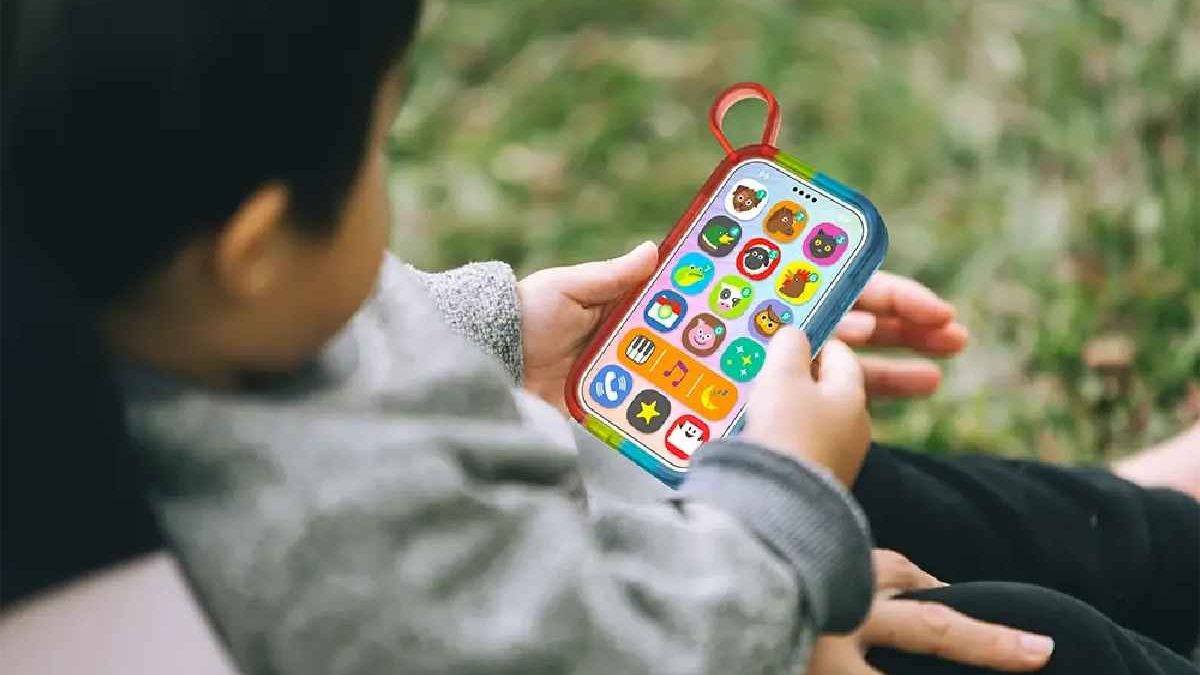
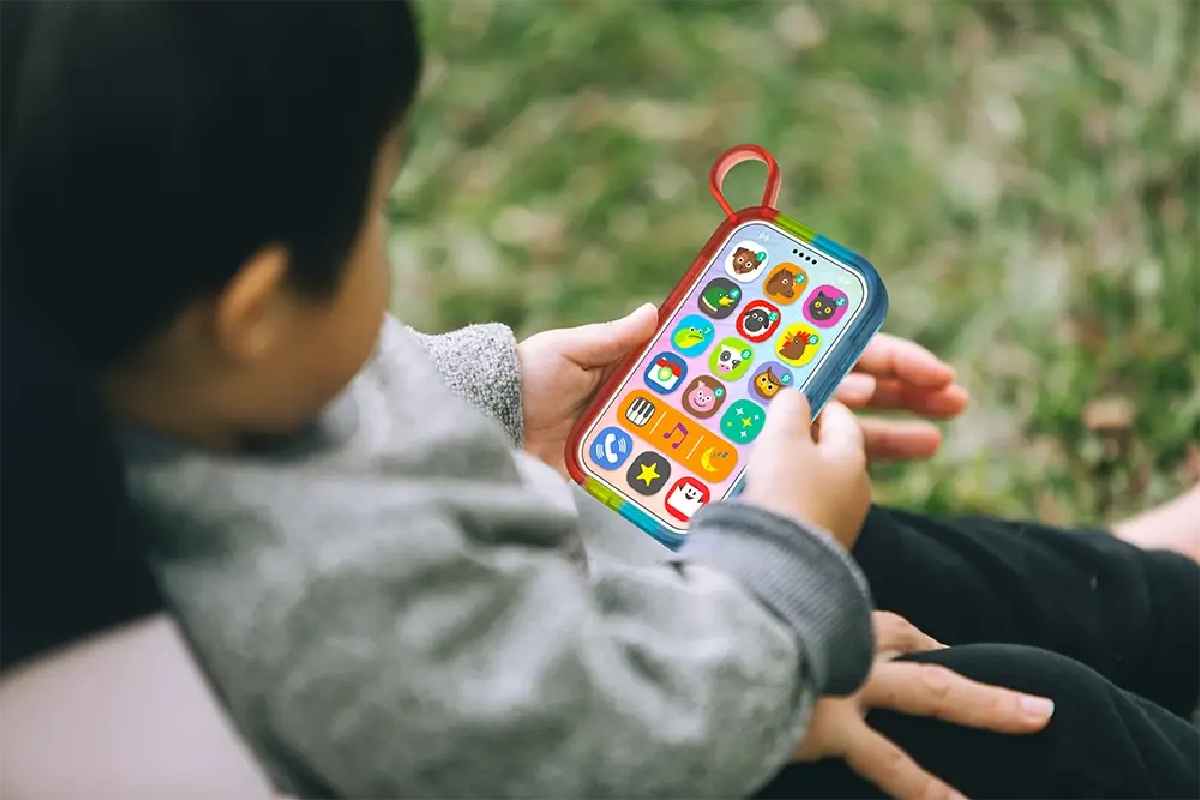
YPhone isn’t a “baby iPhone” or whatever the box says. It’s literally just a noisy, light-up toy that looks like a phone so your kid stops stealing yours 😂. It’s perfect for that phase where they’re obsessed with smashing buttons and lose their mind over random beeps and flashing colors. It won’t teach them algebra or anything, but it buys you five minutes of peace while you drink a hot coffee, so… worth it.
Here’s how it stacks up against the usual suspects:
| Feature | YPhone Toy | Basic Rattle/Teether | Beginner Tablet (e.g., Amazon Fire Kids) |
|---|---|---|---|
| Best Age Range | 6 months – 2 years | 0-12 months | 3+ years |
| Core Purpose | Sensory stimulation, motor skills, imaginative play | Soothing, motor skills | Educational apps, games, video |
| Screen | Non-lit, static image | N/A | Full-color, interactive screen |
| Parental Controls | Physical on/off switch | N/A | Extensive software controls |
| Price Point | Low ($10-$25) | Very Low | Medium to High |
Table of Contents
Detailed Review: Features, Pros, and Cons
What’s In the Box & Key Specifications
It’s honestly so small, like it fits in my hand and my fingers still touch. 12.5 cm long, maybe 6 cm wide, whatever, it’s tiny. Feels tough though, proper thick chunky plastic, same stuff as Duplo bricks. My kid has launched it at the wall, used it as a teether, and dropped it in the dog’s water bowl and it’s still going strong. Built like a brick.
- A micro-USB cable for charging (some versions run on plain old batteries).
- A fake “screen” with cute printed numbers, animals, or shapes that look just real enough to fool a toddler.
- Those addictive flashing LED lights around the edges in every color of the rainbow.
- A built-in speaker that belts out tunes and goofy sound effects.
The Pros: Why Parents & Toddlers Like It
- Safe, Durable Design: No fragile glass screen to smash or swallow—it’s all chunky buttons and tough plastic. Finally, a way to let your kid “talk on the phone” without handing over your actual phone (and risking a $1,000 toddler tantrum).
- Engages Key Senses: The lights go whoosh, the songs are upbeat, and every button press makes something happen. It’s like catnip for little brains figuring out the world.
- Promotes Early Motor Skills: Those big, squishy buttons? Gold for tiny fingers learning to poke, press, and coordinate. Hand-eye magic in disguise.
- Encourages Imitative Play: The best part? Watching your kid strut around the house with this thing glued to their ear, going “HI NANA! YEAH! LOVE YOU BYEEEEE” in complete baby gibberish. I die every time. It’s literally the cutest when they copy exactly how you answer the phone. Total pretend-play fuel.
The Cons & Important Considerations
“Educational” my ass. It says “red” and makes a dog bark like four times and that’s the entire curriculum. If you’re expecting actual letters, numbers, or anything that makes you feel like a good parent, just… no. Go buy a real tablet or a LeapFrog. This is 100% fake-phone vibes only.
The audio is poor, tinny and cheap, like someone recorded it on a 2005 flip phone while sitting on the toilet. Same three jingles on an endless loop until you’re humming them in the shower against your will. And the lights? Adorable at nap time… until 8 p.m. rolls around and your kid’s in the crib looking like they’re headlining Tomorrowland.
It lasts like six months tops. The second they hit 2 (sometimes earlier) they look at it, look at your real phone, and give you the dirtiest side-eye like “nice try, mom.” Then it lives under the couch with the missing socks.
Buying Guide & Safety Tips
Is the YPhone Age-Appropriate for Your Child?
Spot on for 6-24 month olds who are all about “button go beep!” If your tot’s already stringing sentences together, they’ll probably eye-roll and move on to something with more plot.
When shopping, keep an eye out for:
- Material: Make sure it’s BPA-free ABS—no sketchy plastics here.
- Volume Control: Hunt for one with adjustable sound levels; nobody wants a 100-decibel nursery remix.
- Battery Type: Go rechargeable if you can—saves cash and the planet over endless AA batteries.
Answering Parents’ Top Questions (FAQ)
Q: Can the YPhone connect to WiFi or make real calls? A: Nope, zero chance—it’s a total offline toy. No apps, no internet, no accidental FaceTimes to the pizza guy. That’s the beauty of it for worried parents.
Q: How’s it stack up against the VTech Tote and Go Laptop or actual LeapFrog stuff?
A: Look, VTech and LeapFrog are the real deal—proper little “computers” that drill letters, numbers, shapes, Spanish, whatever, aimed at 2-5 year olds who are ready to sit still for two seconds.
The YPhone is basically the McDonald’s toy version: zero actual learning, just lights, noise, and the dopamine hit of pretending to talk on the phone. It’s the appetizer before the main course, or honestly more like the plastic fries that come with the Happy Meal. Fun for 6-18 months, then you graduate to the big leagues.
Q: Are the lights safe for my baby’s eyes? A: The LEDs are pretty dim and diffuse, so yeah, generally safe. But common sense: keep an eye on playtime and skip the dark-room disco to avoid any squinting drama.
Our Final Recommendation
Bottom line? The YPhone nails it as that grab-and-go distraction for strollers, high chairs, or those “just need five minutes” moments. It’s the ultimate “fake phone” for a baby who’s obsessed with yours but way too young for the real deal.
Grab it if: Your kid’s under 2 and you want something cheap, chew-proof, and scream-proof. Killer first-birthday gift.
Skip or upgrade if: They’re pushing 3 and craving puzzles or stories. Jump straight to VTech or LeapFrog for the learning boost. Either way, you’ll dodge the “why won’t this call Paw Patrol?” meltdown. Parenting win. 😊
Related Reading: Check out our guide on how to choose the right Mobile Payment Apps.