
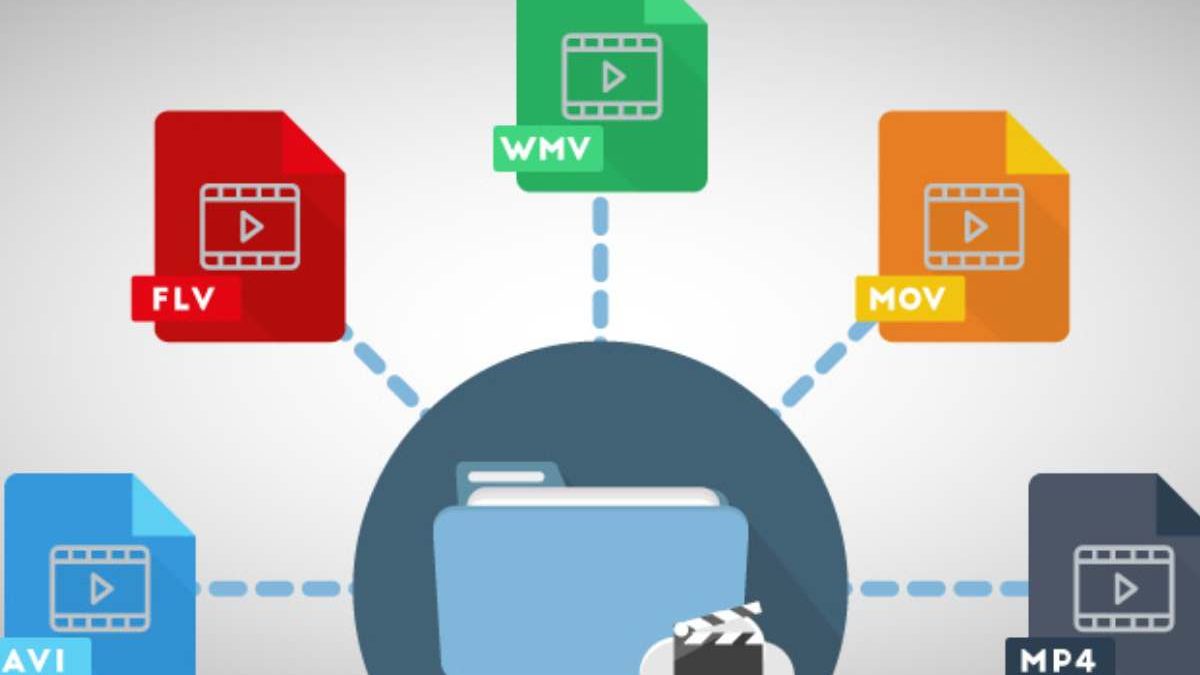
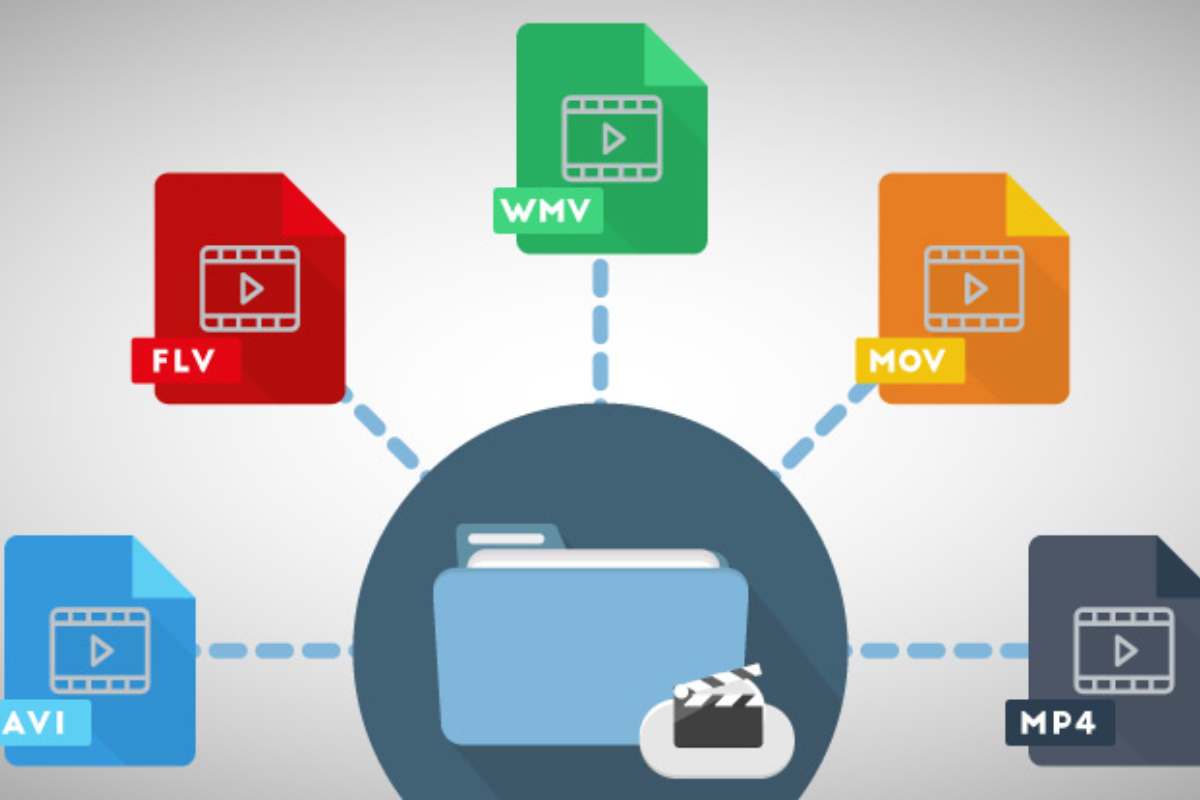
Each video clip that you have seen in your smartphone, computer, television or tablet has got a different file format. To ensure that your videos can be played properly with any of the platforms, you have to understand how all types of video formats work. As an illustration, a video format of web development will not be the same as the format you use in social networking.
Table of Contents
What is a Video File Format?
Any video file consists of two elements a container and a codec. The video format is filled with music, video, subtitles and other metadata. A codec is a program that transmits and decrypts multimedia information such as audio and video.
A video codec encodes and pads the video, while an audio codec does the same with sound while making a video. The encoded video and audio are then synced and saved in a file format media container.
What are the Most Common Types of Video Formats?
Here are the most common digital video formats and how one can frequently use them:
MP4
MP4 – MPEG-4 Part 14 is the most prevailing video file format. And also, MP4 Apple’s format is suitable for many other devices.
It stores video, audio, and text files using the MPEG-4 encoding process but has a lesser resolution than others. YouTube, Facebook, Twitter, and Instagram videos look great in MP4.
MOV (QuickTime Movie)
Although MOV (QuickTime Movie) files store high-quality video, audio, and effects, they can be immense. MOV files were created by Apple for QuickTime Player and use MPEG-4 encoding to play with QuickTime for Windows. Facebook and YouTube both accept MOV, which works great for viewing TV.
WMV
The WMV (Windows Media Viewer) files, like MOV files, have good video quality and huge file sizes. Microsoft created WMV for Windows Media Player. Apple users can see these videos because YouTube supports WMV, but they need first download Windows Media Player for Apple. Remember that WMV does not let you choose your aspect ratio.
Audio Video Interleave (AVI)
AVI (Audio Video Interleave) is compatible with most of the web browsers across the Windows, Macintosh, and Linux PCs. AVI which was invented by Microsoft is the best in quality and the largest. It is supported by YouTube and it is convenient to watch TV.
AVCHD
Advanced Video Coding High Definition is a high-definition video coding program. These files were created for Panasonic and Sony digital camcorders, and they compress for convenient storage without sacrificing quality.
FLV, F4V, and SWF
Shockwave Flash SWF, FLV and F4V audio-visual codecs were designed for Flash Player that is used to transmit videos on YouTube. Flash is not supported by the iOS devices.
MKV player for MAC
Matroska Multimedia Container is also a free and an open-source multimedia container format that was created in Russia. It is able to play virtually any codec though not all programs are compatible. MKV is recommended when you are viewing your video on a television or computer using an open source media player such as the VLC or Miro.
WEBM or HTML5
These formats are ideal for embedding videos on your personal or professional website. They have to load quickly and stream smoothly since they are small files.
MPEG-2
When you wish to blister your video to a DVD, you can make use of MPEG-2 with an H.262 codec.
YouTube Video to MP3 Converter Reddit: What Users Say About Formats & Tools
Searches for “YouTube video to MP3 converter Reddit” reveal thousands of discussions where users debate the safest, fastest, and highest-quality ways to convert video files into MP3 audio. Reddit users frequently focus on how the original video file format affects final audio quality.
Key Insights from Reddit Discussions
-
MP4 vs WebM Source Files
Videos uploaded in MP4 format often result in better MP3 conversions due to more consistent audio encoding. -
Audio Bitrate Matters More Than Video Resolution
Reddit users emphasize that higher video resolution does not guarantee better audio quality—bitrate and codec do. -
Online vs Desktop Converters
Many Reddit threads recommend offline converters for better control over output format, bitrate, and metadata. -
Compression & Quality Loss
Converting from a compressed video file format to MP3 can cause quality loss, especially if the original audio stream is already compressed.
Common Video File Formats Mentioned on Reddit
| Video File Format | Audio Quality After MP3 Conversion | Reddit User Opinion |
|---|---|---|
| MP4 (AAC audio) | High | Most reliable |
| WebM (Opus audio) | Very High | Best quality if supported |
| MKV | High | Flexible but large files |
| AVI | Medium | Older format, less efficient |
| FLV | Low–Medium | Mostly outdated |
Why Video File Format Matters in MP3 Conversion
The video file format determines:
-
Which audio codec is embedded
-
Maximum achievable MP3 bitrate
-
Metadata retention
-
Overall conversion efficiency
Reddit users often stress that starting with a high-quality video format reduces audio artifacts and distortion after conversion.
Choose a Video File Format
You should select a file format based on the quality of your video. The video should meet the minimum quality requirements, but no more. Downloading, converting YouTube to text, sharing, and managing high-quality videos is difficult. Considering how you intend to view the video files would be best. All browsers, applications, or devices do not support a specific video format.
Consider the following scenarios before deciding on a video format:
- Select the file format of internet videos that can be watched using the common internet browsers. And this way your video will be played directly in the browser. Some of the video formats are MP4 and WEBM that are browser friendly.
- Choose a format with high-quality video that can be used in the future for home video recordings. Enterprise-controlled proprietary file formats are less future-proof than open-source file formats. That category is well-suited to MP4 or AVI formats.
- Choose a format that is compatible with Windows for Windows apps. WMV is an excellent option in this instance.
The 2026 Video Format Bible: Exact Settings for YouTube, TikTok, Instagram & More
Little by little, the choice of the video file format, codec, and export settings is no longer a choice in 2026. Social media platforms are very aggressive when repressing uploads, and bad source settings make the loss of quality visible. The following platform optimized settings are able to maintain quality at minimal file size.
Recommended Video Export Settings (2026)
| Platform | Container | Codec | Resolution | Frame Rate | Bitrate |
|---|---|---|---|---|---|
| YouTube | MP4 | H.264 (High Profile) | 1080p / 4K | 30–60 fps | 8–12 Mbps (1080p) |
| TikTok | MP4 | H.264 | 1080 × 1920 | 30 fps | 6–8 Mbps |
| Instagram Reels | MP4 | H.264 | 1080 × 1920 | 30 fps | 5–7 Mbps |
| Instagram Feed | MP4 | H.264 | 1080p | 30 fps | 6–8 Mbps |
| MP4 | H.264 | 1080p | 30 fps | 6–8 Mbps | |
| Twitter (X) | MP4 | H.264 | 1080p | 30 fps | 5–6 Mbps |
Why MP4 still dominates in 2026:
-
Universally supported
-
Efficient compression
-
Fast platform processing
-
Minimal playback issues
Even though newer codecs exist, MP4 + H.264 remains the safest upload format for social platforms today.
The Top Video Formats for Sharing on Social Media
Youtube
Youtube being the world’s main video distribution website, allows the makers to upload the upto 12 hours length and 2160p superiority videos. MOV, MP4, MPEG-PS, AVI, MPEG4, WMV, WebM, and FLV video file formats are supported by YouTube.
Tik Tok
TikTok was formerly a podium for viral dance videos. It has rapidly developed as a popular massive social media.
You can find all kinds of content on the sixth-largest social media platform. TikTok presently supports
MOV and MP4 video file formats.
Facebook endorses using MOV or MP4 file formats, but the platform supports many other formats, such as AVI, DIVX, and WMV.
Instagram should also allow the upload of video files including MOV and MP4. It provides an opportunity to share stories and reels along with in-feed photos and videos. It is also compatible with the same video file formats as Facebook (the platform is also owned by Meta that owns Facebook).
Quality vs. Size: Choosing the Right Codec and Bitrate for Every Need
When it comes to video file format optimization, two factors matter more than anything else:
-
Codec efficiency
-
Bitrate selection
H.265 (HEVC) vs. AV1: Compression Efficiency Compared
| Feature | H.265 (HEVC) | AV1 |
|---|---|---|
| Compression Efficiency | ~40% better than H.264 | ~30–50% better than H.265 |
| File Size | Smaller than H.264 | Smallest overall |
| Encoding Speed | Fast–Moderate | Slow (hardware improving) |
| Playback Support | Excellent | Growing but not universal |
| Licensing | Patent-encumbered | Royalty-free (open) |
Key takeaway:
-
H.265 = practical, efficient, widely supported
-
AV1 = future-focused, best compression, slower encoding
How Bitrate Impacts Quality & File Size (Simple Explanation)
-
Higher bitrate → better detail → larger files
-
Lower bitrate → more compression → artifacts & blur
Think of bitrate as how much data you allow per second.
Practical Bitrate Recommendations (Actionable)
For a 1080p, 5-minute video:
| Use Case | Codec | Bitrate | Estimated Size |
|---|---|---|---|
| Archive / Master Copy | H.264 | 12 Mbps | ~450 MB |
| Web / Blog Upload | H.264 | 8 Mbps | ~300 MB |
| Social Media | H.264 | 6 Mbps | ~225 MB |
| High Efficiency Storage | H.265 | 5 Mbps | ~190 MB |
| Future-focused Encoding | AV1 | 3.5–4 Mbps | ~150 MB |
Rule of thumb:
Always export slightly higher quality than required—platforms will compress it anyway.
Will Your Videos Play in 2030? How to Choose Future-Proof Formats
Video file format is not only a thing of today but also whether or not your content will survive the changes of devices under use, software updates, and even licensing changes.
Open Standards vs. Proprietary Formats
| Format Type | Examples | Longevity |
|---|---|---|
| Open Standards | MP4, WebM, AV1 | Very High |
| Semi-Proprietary | H.264, H.265 | High (industry-backed) |
| Proprietary | WMV, RealVideo | Low |
Why Open Standards Last Longer
-
No royalty restrictions
-
Backed by multiple tech companies
-
Easier adoption across devices
-
Safer for long-term archives
AV1 is particularly important—it’s backed by Google, Apple, Netflix, Amazon, and Microsoft, making it one of
Conclusion
There are various video file types you should expect you will come across as a developer managing audio/video content in your application and WEBM. OGG, MP3. MP4, and more. Ideally, the key to handling the various video formats depends on your ability and knowledge of the video formats.
Related Reading: Check out our guide on how to choose the right Digital Marketing Agency.