

Fahmeena creates practical and reader-focused content across technology, digital marketing, business and emerging digital trends.

Sameena reviews published content for clarity, factual presentation, consistency and overall reader usefulness.
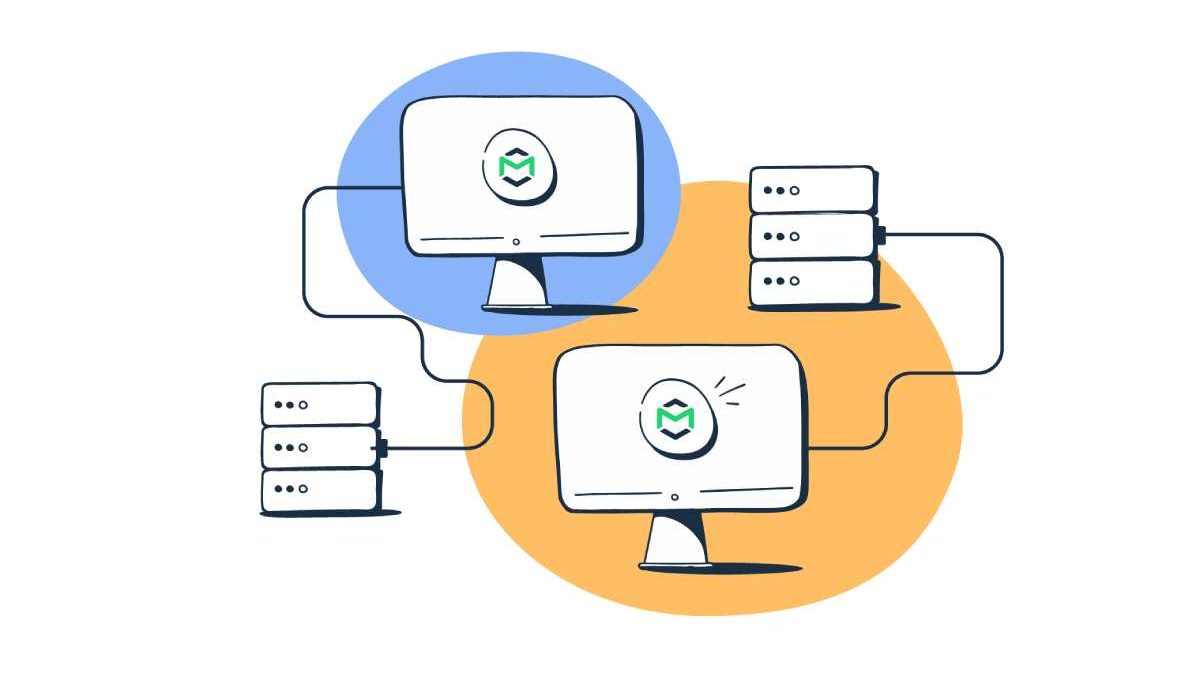
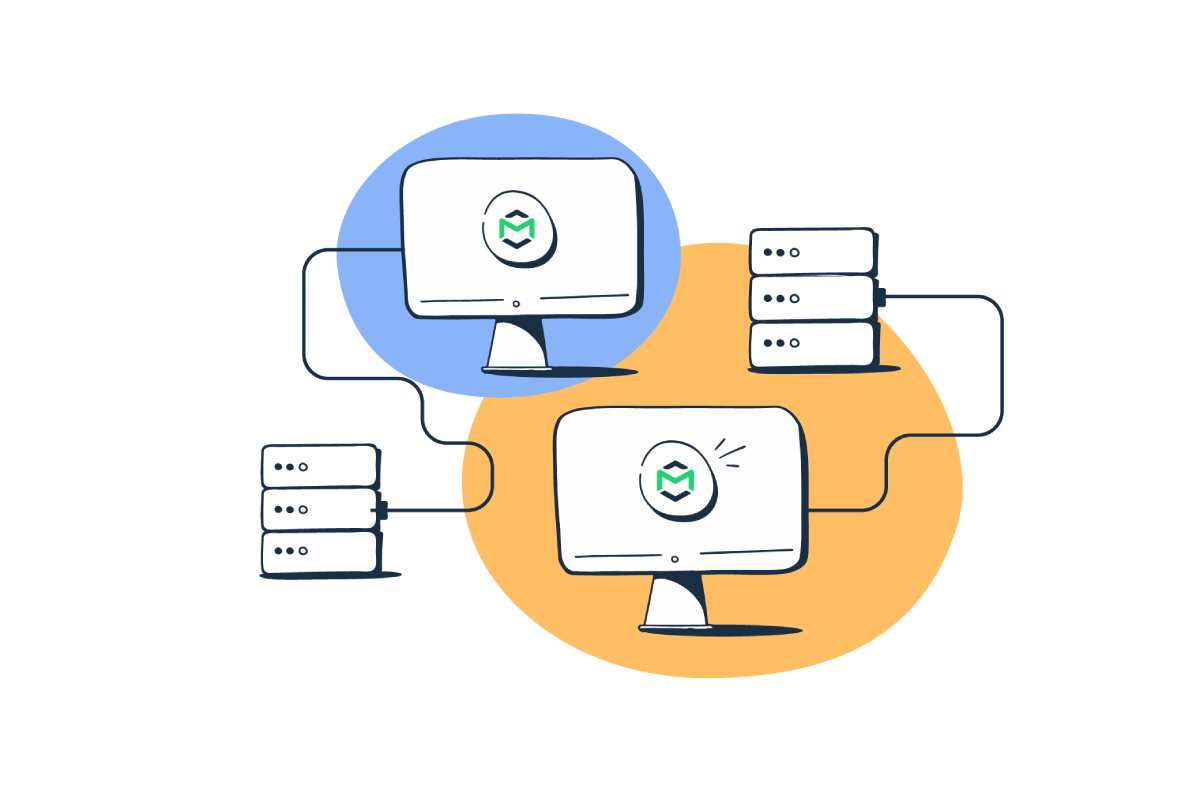
Like all servers, an SMTP server is an application that offers a service to other applications within a network called clients. Specifically, an SMTP server handles email sending, receiving, and relaying.
You can think of servers as your real-life post offices. The same happens with SMTP servers—though the process takes a few minutes at most instead of taking days.
You might have also come across the term SMTP port. Those communication endpoints handle email data transfer over SMTP as it moves through a network from one server to another. We cover those in detail here.
Email Marketing
Table of Contents
What is an SMTP Server?
An SMTP Server is a server that sends, receives, and forwards emails using the Simple Mail Transfer Protocol (SMTP). Think of it like a postal sorting office for email—it makes sure your message gets from the sender to the recipient’s mail server.
What an SMTP Server Does?
| Task | Description |
| Accepts outgoing mail | Receives emails from email clients (Gmail, Outlook, apps, websites) |
| Authenticates sender | Verifies username/password to prevent spam |
| Routes emails | Finds the recipient’s mail server using DNS (MX records) |
| Forwards messages | Sends emails to the destination SMTP server |
| Queues & retries | Stores and retries delivery if the destination server is busy |
How It Fits in Email Flow
| Step | Action |
| 1 | You click Send in your email app |
| 2 | Email goes to your SMTP server |
| 3 | SMTP server contacts recipient’s SMTP server |
| 4 | Recipient server stores the email |
| 5 | Recipient reads it using IMAP/POP3 |
Common SMTP Server Examples
| Provider | SMTP Server Address |
| Gmail | smtp.gmail.com |
| Outlook | smtp.office365.com |
| Yahoo | smtp.mail.yahoo.com |
| Custom domain | mail.yourdomain.com |
How Does SMTP work?
All networking protocols follow a predefined process for exchanging data. SMTP defines a method for exchanging data between an email client and a mail server. An email client is what a user interacts with: the computer or web application where they access and send emails. A mail server is a specialized computer for sending, receiving, and forwarding emails; users do not interact directly with mail servers.
| Step | Who Is Talking | What Happens | Example |
| 1 | Email Client → SMTP Server | You hit Send. Your email client connects to an SMTP server. | Gmail app connects to smtp.gmail.com |
| 2 | Client → Server | Client introduces itself using HELO or EHLO. | EHLO laptop123 |
| 3 | Client → Server | Sender’s email address is provided. | MAIL FROM:<alice@example.com> |
| 4 | Client → Server | Recipient’s email address is provided. | RCPT TO:<bob@example.com> |
| 5 | Client → Server | Email content (headers + body) is sent. | DATA followed by message text |
| 6 | Server → Client | Server confirms message received. | 250 OK |
| 7 | SMTP Server → Recipient SMTP Server | Server looks up recipient domain via DNS (MX record) and forwards email. | Finds mx.example.com |
| 8 | Recipient SMTP Server | Stores the email in recipient’s mailbox. | Saved on mail server |
| 9 | Recipient | Email is retrieved using IMAP or POP3 (not SMTP). | Bob opens email |
Key SMTP Commands (Quick View)
| Command | Purpose |
| HELO / EHLO | Identify the sending client |
| MAIL FROM | Specify sender |
| RCPT TO | Specify recipient |
| DATA | Send email body |
| QUIT | Close connection |
Important Notes
- SMTP is only for sending emails
- IMAP / POP3 are used for receiving
- Uses ports 25, 587 (secure, recommended), or 465 (SSL)
- Authentication and encryption usually happen with SMTP AUTH + TLS
SMTP relay server or HTTP API – which one is better and when?
SMTP servers are particularly useful when sending large volumes of promotional messages, but effective campaigns also require thoughtful planning, audience targeting, and consistent messaging. Learn more about creating an effective email marketing campaign to make the most of your email outreach.
| Factor | SMTP Relay Server | HTTP Email API |
| What it is | Traditional email sending using SMTP protocol (standard mail protocol). Works with email clients, apps, web forms. | Modern HTTP/REST-based API to send email programmatically via code. |
| Ease of Setup | Easier — simple credentials, works with many systems automatically. | Requires coding knowledge & integration. |
| Performance & Speed | Slower for high volumes (back-and-forth SMTP commands). | Faster & scalable — optimized for bulk sending. |
| Deliverability | ⚠ Shared IP links can vary by provider; good for basic sending. | Usually more consistent sender reputation and analytics. |
| Automation & Features | ⚠ Basic sending, limited analytics/tracking. | Detailed analytics, webhooks, templating, bounce tracking, etc. |
| Firewall/Ports | Uses SMTP ports (25/587) that can be blocked. | Uses HTTPS (port 443), widely permitted. |
| Best For | Simple transactional mail & legacy systems; small apps. | Feature-rich apps, bulk email, automated workflows. |
| Typical Pricing | From ~$10–$30/month for smaller plans; AWS SES pay-as-you-go ~ $0.10/1,000 emails — very cost-effective at high volume. | Often $15–$35+/month depending on volume; some providers include both API/SMTP in a single plan. |
| User Reviews (General) | Mixed: some providers report high deliverability & reliability; others show delivery issues and poor support. | Generally positive — especially among developers — for performance, tracking, and scalability. Industry providers tend to be rated higher for advanced workflows. |
| Example Providers (Links) | SMTP & Relay options: https://www.idealSMTP.com (free tier & basic plans) AWS SES (very low cost) https://aws.amazon.com/ses/ SMTP2GO pricing https://www.smtp2go.com/ (entry plans ~$15) |
Mailgun API documentation (with SMTP support): https://www.mailgun.com/ SendGrid API (developer docs): https://sendgrid.com/ (common API choice) Postmark (fast transactional API): https://postmarkapp.com/ |
| When to Choose This | You need simple sending with minimal coding Legacy app or CRM that only supports SMTP You want lowest-effort setup |
You’re building apps that need automation or triggers High volume & performance matters You want analytics, templates, webhooks |
What is an SMTP Server Address?
An SMTP server address is the hostname or IP address of the server that sends your outgoing email. It tells your email app or system where to connect when you click Send.
In Simple Terms
If email were postal mail, the SMTP server address is the post office your letter is handed to first.
What It Looks Like
| Type | Example |
| Domain name (most common) | smtp.gmail.com |
| Domain-based | mail.yourdomain.com |
| Provider-specific | smtp.office365.com |
| IP address (rare) | 192.0.2.25 |
Common SMTP Server Addresses
| Email Provider | SMTP Server Address |
| Gmail | smtp.gmail.com |
| Outlook / Microsoft 365 | smtp.office365.com |
| Yahoo Mail | smtp.mail.yahoo.com |
| Zoho Mail | smtp.zoho.com |
| Custom domain | mail.example.com |
Related SMTP Settings (Usually Required)
| Setting | Typical Value |
| Port | 587 (TLS) or 465 (SSL) |
| Encryption | TLS / SSL |
| Authentication | Username + password |
| Username | Your full email address |
Why It Matters
- Without the correct SMTP server address, emails won’t send
- It ensures your email is sent securely and authenticated
- Required for email clients, websites, and apps
What is an SMTP server for Gmail?
If you want to send an email using an app or another email program, then that will require you to configure the Gmail SMTP server settings. This server’s address is smtp. gmail. com, and it serves as the “outgoing mail” service that dispatches your emails.
Gmail SMTP Server Settings
| Setting | Value |
| SMTP Server Address | smtp.gmail.com |
| SMTP Port (TLS) | 587 |
| SMTP Port (SSL) | 465 |
| Encryption | TLS or SSL |
| Authentication Required | Yes |
| Username | Your full Gmail address (e.g. yourname@gmail.com) |
| Password | Your Gmail password or App Password |
| Use Case | Sending emails from Gmail, apps, websites, or email clients |
Important Notes (Gmail-specific)
- Gmail requires authentication
- If 2-Step Verification is enabled, you must use an App Password
- Port 25 is blocked by Gmail
- Port 587 (TLS) is the recommended option
Types of SMTP Servers
| Provider | Type / Best For | Typical Pricing | Typical Reviews / Ratings | Resource Link |
| SendGrid | SMTP relay + API, well-known for transactional + marketing emails | Free: 100 emails/day Paid: from ~$19.95/mo for 50,000 emails |
(good overall, mixed support feedback) | https://sendgrid.com/ |
| Brevo (Sendinblue) | SMTP with marketing automation & CRM tools | Free: 300/day Paid: from ~$25/mo |
(good for marketers) | https://www.brevo.com/ |
| Mailgun | Developer-friendly SMTP + powerful API | Free tier available Pay-as-you-go ~ first 5,000 free then usage-based |
(solid developer reviews) | – |
| Amazon SES | Pay-as-you-go SMTP relay | ~$0.10 per 1,000 emails (very low cost) | (very affordable; needs technical setup) | https://aws.amazon.com/ses/ |
| Postmark | SMTP focused on fast, reliable transactional email | Free trial, then ~ $15/mo for 10,000 emails | (excellent reliability) | https://postmarkapp.com/ |
| Mailjet | SMTP + email marketing functionality | Free: 6,000/mo Paid: ~ $17+/mo |
(easy to use but limited features) | – |
| SendLayer | Easy, simple SMTP for small senders | Starts ~ $5/mo | (budget-friendly choice) | https://sendlayer.com/ |
| SocketLabs | SMTP with analytics & deliverability support | Free: ~40,000 first month Paid from ~$39.95/mo |
(strong enterprise tools) | – |
What Port Does SMTP Use?
In networking, a port is the default point where data is received from the network; Think of it like the apartment number in my mailing address. Ports help computers classify network data into the correct applications. Factually, SMTP only used port 25.
Port 25 is the most used for connections between SMTP servers. Firewalls of end-user networks often block this port today, as spammers try to abuse it to send large amounts of spam.
- Port 465 is designated once for use by SMTP with Secure Sockets Layer (SSL) encryption. But SSL has been replaced by Transport Layer Security (TLS), so modern email systems don’t use this port. It only appears on old (deprecated) methods.
- Port 587 is nowadays the default port for sending emails. SMTP connections over this port use TLS encryption.
- Port 2525 remain not officially connected with SMTP, but few email services offer SMTP delivery over this port if the above ports remain blocked.
SMTP Ports (Explained Simply)
| Port | Encryption | Used For | Status |
| 25 | None | Server-to-server email transfer | Often blocked |
| 587 | TLS (STARTTLS) | Email submission from apps/clients | Recommended |
| 465 | SSL | Encrypted SMTP (implicit SSL) | Common |
Is the SMTP Server Secure?
| Security Aspect | Secure SMTP (Properly Configured) | Insecure SMTP |
| Encryption | Uses TLS / SSL | No encryption (plain text) |
| Port Used | 587 (TLS) or 465 (SSL) | 25 |
| Authentication | Required (SMTP AUTH) | Not required |
| Data Protection | Emails encrypted in transit | Emails readable by attackers |
| Spam Prevention | Uses SPF, DKIM, DMARC | No sender verification |
| Firewall Friendly | Yes (587 / 465 allowed) | Often blocked |
| Man-in-the-Middle Risk | Very low | High |
| Modern Compliance | Meets security standards | Outdated / unsafe |
When SMTP Is Secure
| Requirement | Status |
| TLS encryption enabled | Correct |
| Strong password or App Password | Correct |
| SMTP AUTH enabled | Correct |
| Correct DNS records (SPF/DKIM/DMARC) | Correct |
When SMTP Is NOT Secure
| Situation | Risk |
| Port 25 without encryption | Email content exposed |
| No authentication | Open relay (spam abuse) |
| Weak passwords | Account takeover |
| Missing DKIM/SPF | Spoofing & phishing |
Real-World Example (Secure Setup)
| Setting | Value |
| SMTP Server | smtp.gmail.com |
| Port | 587 |
| Encryption | TLS |
| Authentication | Enabled |
SMTP Server Troubleshooting Checklist
| Area | What to Check | Common Symptoms | How to Fix |
| Server Address | Correct SMTP hostname | Cannot connect | Verify SMTP server name (e.g. smtp.gmail.com) |
| Port | Correct port number | Connection timeout | Use 587 (TLS) or 465 (SSL) |
| Encryption | TLS / SSL enabled | Authentication fails | Match port with encryption type |
| Authentication | SMTP AUTH enabled | “Relay access denied” | Enable authentication |
| Username | Full email address used | Login rejected | Use full email (user@domain.com) |
| Password | Correct or App Password | Auth error | Regenerate password |
| App Password | Required (Gmail, Outlook) | Login blocked | Create & use app password |
| Firewall | Outbound SMTP allowed | Timeout errors | Allow ports 587/465 |
| ISP Blocking | Port 25 blocked | Can’t send email | Avoid port 25 |
| DNS (SPF) | SPF record exists | Emails go to spam | Add SMTP provider to SPF |
| DKIM | DKIM signing enabled | Fails authentication | Enable DKIM in provider |
| DMARC | DMARC policy set | Spoofing or spam | Add DMARC record |
| IP Reputation | Sending IP blacklisted | Emails rejected | Check RBLs, change IP |
| Rate Limits | Provider limits | Temporary failures | Slow down sending |
| Message Size | Attachment too large | Message rejected | Reduce size / compress |
| From Address | Valid sender domain | Rejected by server | Use verified sender |
| Logs | SMTP error codes | Unknown failures | Read logs (4xx vs 5xx) |
Common SMTP Error Codes (Quick Help)
| Code | Meaning | Action |
| 421 | Server unavailable | Retry later |
| 450 | Mailbox busy | Retry |
| 550 | Rejected | Check SPF/DKIM or recipient |
| 535 | Auth failed | Fix username/password |
Fast Fix Order (When in a Hurry)
- Check server + port
- Verify TLS/SSL
- Confirm username & password
- Check firewall / ISP blocks
- Review SMTP error message
Conclusion
While SMTP servers aren’t the only way to send and receive emails over TCP/IP, using one can offer several advantages. They help improve the delivery rate of bulk marketing emails and reduce the chances of your messages being flagged as spam, making an SMTP server a useful tool.
Fahmeena Begum is a Digital Marketing & Technology Writer at SlashdotBlog with 3+ years of writing experience. Her work covers digital marketing, technology, business, software, artificial intelligence and emerging digital trends.
View Author Profile →
Sameena Begum is a Technology & Digital Content Reviewer with 8 years of experience. Her review work focuses on editorial clarity, factual presentation, readability, consistency and reader usefulness.
View Reviewer Profile →