
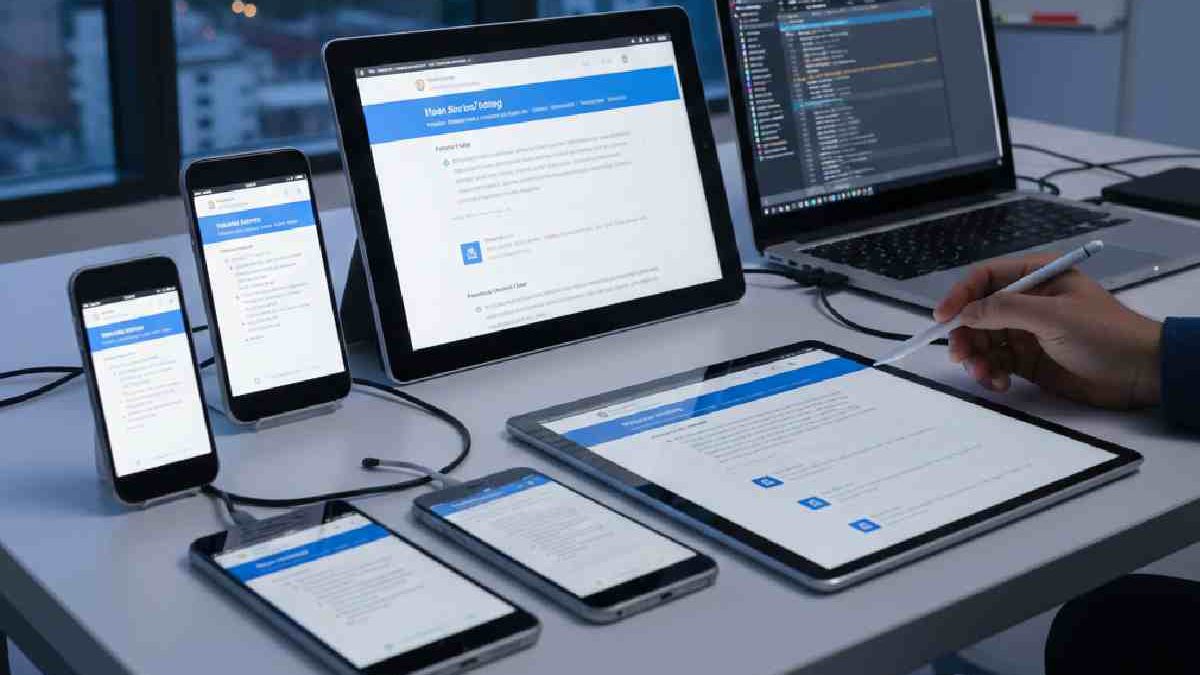

Mobile Web Testing: Since smartphones are the gadget that people use to have access to the internet, business organizations are supposed to develop web applications that are mobile-friendly. In the current times, browsing through the internet using a mobile phone is the preference of most people as opposed to using a desktop computer.
Statista reports that mobile phones drove over 50 percent of the total online traffic in the first quarter of 2020. Consequently, designing websites that are mobile friendly has turned out to be a requirement by companies.
Table of Contents
What Is Mobile Web Testing?
Mobile Web Testing is the process of testing websites on mobile devices to make sure they work correctly, load fast, and provide a smooth user experience across different screen sizes, browsers, and operating systems.
In simple terms:
it checks how your website behaves on smartphones and tablets when accessed through mobile browsers like Chrome, Safari, or Firefox.
Why Mobile Web Testing Is Important
- Over 60% of web traffic comes from mobile devices
- Google uses mobile-first indexing for SEO
- Poor mobile experience leads to high bounce rates
- Ensures consistent experience across devices and regions
Key Areas Tested in Mobile Web Testing
| Area | What Is Tested |
| UI & Layout | Screen fit, text readability, button sizes |
| Functionality | Forms, links, menus, popups |
| Compatibility | Different devices, OS versions, browsers |
| Performance | Page load time, image optimization |
| Network Conditions | 3G, 4G, 5G, unstable networks |
| Security | HTTPS, data leaks, session handling |
The Importance of Testing Mobile Web Apps
As already mentioned, mobile devices constitute a greater percentage of total online traffic of over a half, proving the need to test mobile web apps. The benefits of mobile web app testing are explained by other criteria, including:
- It enables your site to be visible on any browsers and smartphone Android, iPhone, Blackberry, and other operating systems.
Make your site better ranking on Google, Bing and Yahoo.
Google gives preference to mobile-friendly websites and thus, it is more convenient to find your web app.
Allows consumers access to fastness and convenience as they browse through your web site through the mobile phone. - A small screen on a mobile phone is better in the user experience.
Web Application Penetration Testing
Daily operations of businesses have become highly dependent on web applications and therefore the security of these applications has become a main concern. Penetration testing is a preplanned and approved exercise in which security experts normalize the real-world cyberattacks to detect vulnerabilities specified before the malicious hackers could exploit them.
In case of remote teams and online companies, this testing serves to safeguard delicate information, user security, and enterprise continuity. Penetration testing is not limited to automated scans. It is manual testing, detection of logic flaws, and attacks to find weaknesses that are not noticeable using tools.
Why Web Application Penetration Testing Is Important
| Reason | Impact |
| Prevents data breaches | Protects customer and company data |
| Identifies hidden vulnerabilities | Finds flaws missed by scanners |
| Ensures compliance | Meets standards like ISO, PCI-DSS |
| Improves customer trust | Demonstrates security commitment |
| Reduces financial risk | Avoids costly cyber incidents |
Common Vulnerabilities Tested
| Vulnerability Type | Description |
| SQL Injection | Database manipulation via input fields |
| Cross-Site Scripting (XSS) | Injecting malicious scripts |
| Authentication Flaws | Weak login or session handling |
| Broken Access Control | Unauthorized access to data |
| Security Misconfigurations | Default or unsafe settings |
Web Application Penetration Testing Process
- Planning & Scoping – Define application scope and testing goals
- Information Gathering – Identify technologies and entry points
- Vulnerability Analysis – Detect potential security flaws
- Exploitation – Safely test if vulnerabilities are exploitable
- Reporting – Detailed report with risks and remediation steps
Manual vs Automated Testing
| Testing Type | Best Use Case |
| Automated Testing | Quick scans, routine checks |
| Manual Testing | Complex logic flaws, deep analysis |
| Hybrid Approach | Most effective and recommended |
How Often Should You Perform Penetration Testing?
- After major application updates
- Before launching a new web app
- Annually (minimum best practice)
- After discovering a security incident
For remote-first companies and SaaS businesses, regular web application penetration testing is not optional—it’s essential.
AI-Powered and Codeless Mobile Testing in 2026
The mobile testing has developed at a high pace. By 2026, QA teams and developers will have the opportunity to test mobile applications faster, more precisely, and without formulating long test scripts through AI-based and codeless testing platforms. The tools apply machine learning to automatically identify changes in the UI, forecast possible bugs, and create test cases using the patterns of user behavior.
Benefits of AI-Powered, Codeless Testing
| Benefit | How It Helps |
| Faster Test Creation | No need to write manual scripts for each scenario |
| Adaptive Testing | Tests adapt automatically as UI changes occur |
| Bug Prediction | AI identifies potential failures before they occur |
| Cross-Device Coverage | Ensures app works on multiple OS versions and devices |
| Reduced Maintenance | Less time updating tests for minor UI changes |
Mabl, Applitools and Testim are some examples platforms in 2026 that use codeless workflows supplemented with AI-based analytics to automate mobile QA.
Mobile-First Performance Testing: A Guide to Core Web Vitals and UX
Mobile apps need to be performance tested as user experience (UX) determines engagement, retention and revenue. Mobile-first testing is based on such key measures in 2026 as the Core Web Vitals, speed of loading, and responsiveness.
Key Mobile Performance Metrics
| Metric | Description | Ideal Target |
| Largest Contentful Paint (LCP) | Measures page loading time | ≤ 2.5s |
| First Input Delay (FID) | Measures responsiveness to user interactions | ≤ 100ms |
| Cumulative Layout Shift (CLS) | Measures visual stability | ≤ 0.1 |
| Time to Interactive (TTI) | Time until the app is fully usable | ≤ 5s |
Tips for Mobile UX Testing
- Test across multiple devices and screen sizes
- Simulate slow network conditions (3G/4G)
- Include both real devices and emulators in testing
- Monitor resource usage (CPU, memory, battery)
The optimization of Core Web Vitals facilitates a frustration free, fast and smooth mobile experience, which is critical to remote teams, e-commerce applications and SaaS environments.
Integrating Mobile Web Tests into CI/CD Pipelines
Mobile testing has to be incorporated into CI/CD (Continuous Integration/Continuous Deployment) pipelines to ensure the delivery process is continuous and fast. This makes sure that all code change is automatically tested on actual devices or emulators prior to deployment.
Key Steps to CI/CD Mobile Testing
| Step | Description |
| Automated Build | Trigger builds automatically on code commits |
| Unit & Integration Tests | Run tests for individual components and integrations |
| UI & End-to-End Tests | Validate workflows across devices and OS versions |
| Performance & Regression Tests | Monitor Core Web Vitals and detect new issues |
| Reporting & Feedback | Generate automated reports for developers and QA |
Benefits of CI/CD Mobile Testing
- Reduces manual testing time
- Detects bugs earlier in the development cycle
- Supports faster release cycles
- Improves overall app quality and reliability
Modern CI/CD tools like GitHub Actions, GitLab CI/CD, and Bitrise now integrate seamlessly with AI-powered mobile testing platforms, making automated testing easier than ever in 2026.
Methods for Conducting Mobile Web Testing
In order to debug your web app on the majority of mobile devices, use the developer tools that are available in the browser. As an example Google offers a number of developer tools with the Chrome browser to check how your site would look on a mobile device. However, it will confine to a few Android and iOS versions, which is inappropriate for every organization because each OS and browser has several versions.
Methods for Conducting Mobile Web Testing
| Testing Method | Description | When to Use | Key Advantage | Limitation |
| Manual Testing | Test the website manually on real mobile devices and browsers | Usability, UI, exploratory testing | Real user experience | Time-consuming |
| Automated Testing | Use scripts to run repeated test cases | Regression & large test suites | Fast & repeatable | Initial setup effort |
| Real Device Testing | Testing on physical smartphones and tablets | Final validation & accuracy | Most reliable results | Costly device maintenance |
| Emulator Testing | Android emulators to simulate devices | Early-stage testing | Low cost & quick | Limited real-world accuracy |
| Simulator Testing | Browser or OS simulators (iOS/Android) | UI layout checks | Easy setup | Misses hardware behavior |
| Cloud-Based Testing | Test on cloud-hosted real devices | Cross-browser & cross-device testing | Scalable & cost-effective | Requires internet |
| Responsive Testing | Check layout adaptability across screen sizes | UI/UX validation | Ensures responsiveness | Not functional testing |
| Network Condition Testing | Test under 3G, 4G, 5G, slow networks | Performance testing | Realistic mobile scenarios | Needs specialized tools |
| Compatibility Testing | Test across browsers, OS versions, devices | Pre-release testing | Avoids user issues | Large test matrix |
| Security Testing | Test for mobile-specific vulnerabilities | Sensitive apps | Protects user data | Requires expertise |
Final Thoughts
Since smartphones are now the main tool of accessing the internet, it is necessary to test the mobile representation of web applications to achieve the success of any business. Nonetheless, manually checking every machine to make it mobile-friendly may be time-consuming and costly.
It tries mobile web apps; it’s best to utilize a rapid approach or tool. We’ve included some of the most cost-effective and quick ways to test mobile web apps in this post. And LT Browser is the way to go if you’re searching for a swift and dependable automated solution.
Related Reading: Check out our guide on how to choose the right Mobile Payment Apps.