
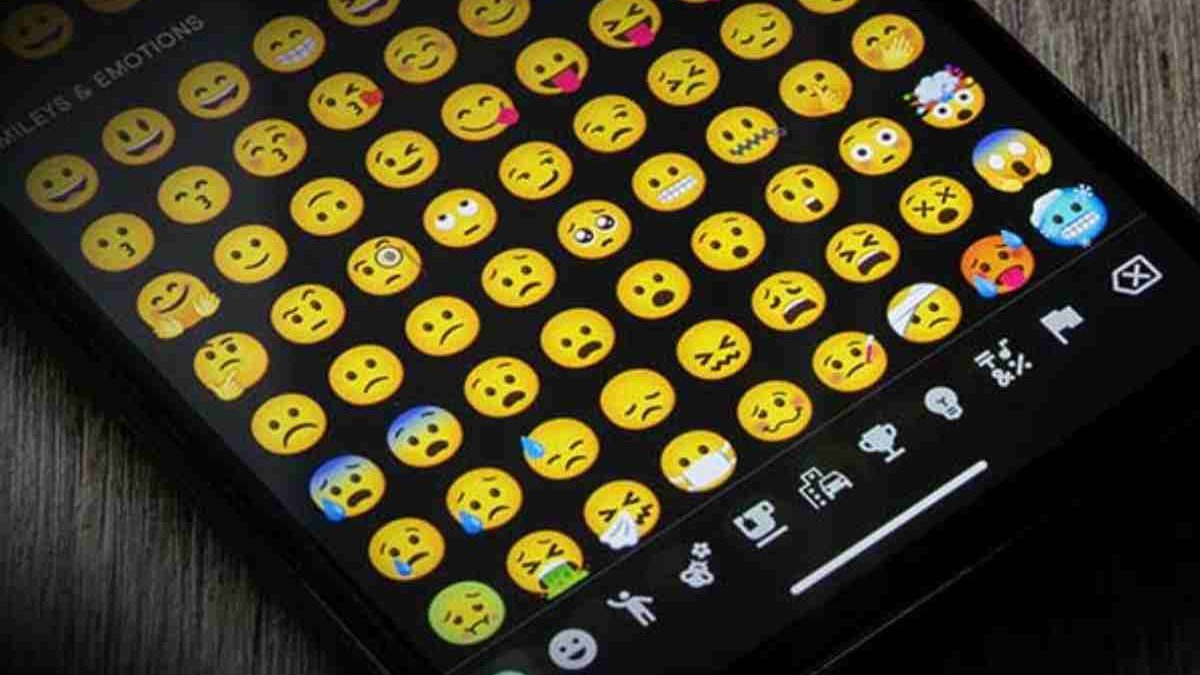
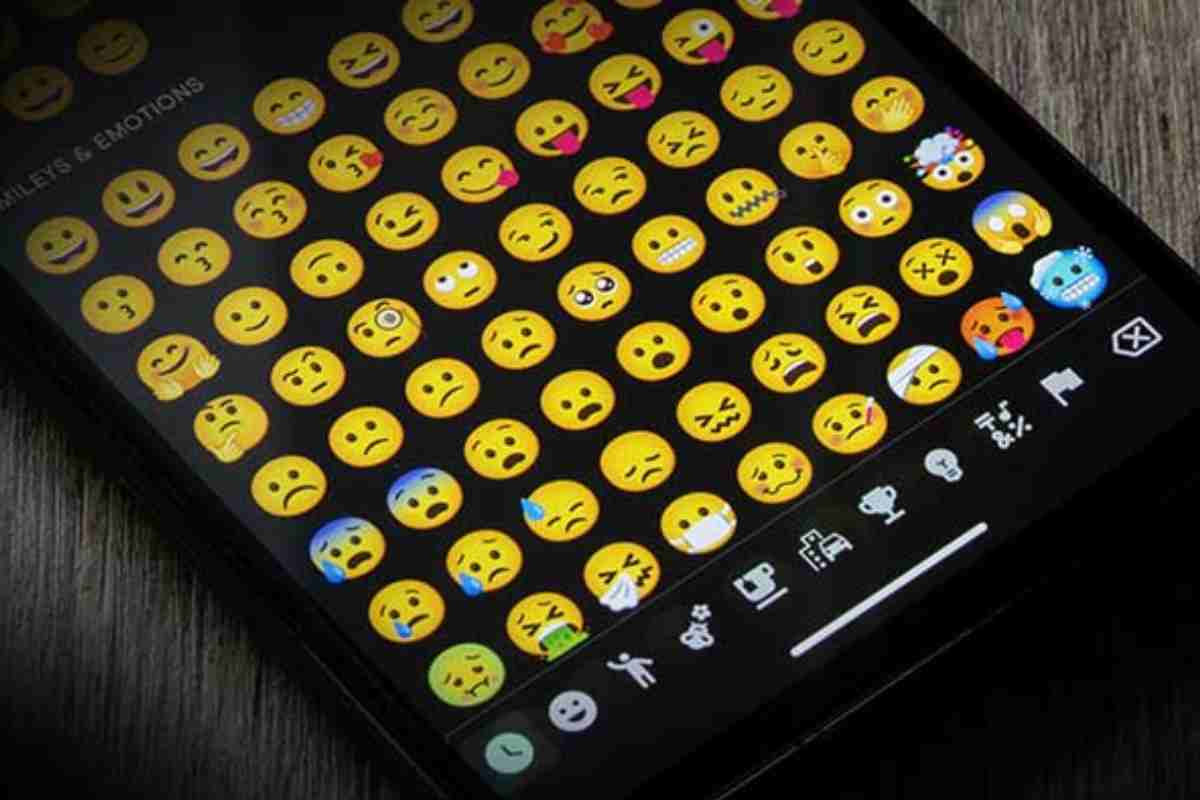
Android And Emojis : A new Android 4.4 drew attention: the Google keyboard (no longer AOSP) now included emojis. For unfamiliar emojis are little drawings of faces, animals, homes, and anything else that comes to mind that we often use in messaging apps.
But, thanks to this Google keyboard change, we may now use emojis in any program, not only those that support them (such as WhatsApp or Hangouts). Swift key has also revealed that they would include it into its keyboard. The emojis included in the Android keyboard was previously available in Hangouts.
The fun part is that we may use these emojis in programs that do not usually allow these unique characters, such as Twitter or Facebook.
Of course, they benefit them, but the subject merits a more in-depth examination.
Table of Contents
How to Get the Latest Emojis on Any Android Phone
Emojis update every year with new expressions, symbols, and inclusivity improvements. In 2026, many Android users still struggle to access the latest emojis, especially on older devices. Here’s how to get them—with or without system updates.
Method 1: Update Your Android System (Best Option)
New emojis are usually included in Android OS updates.
Steps:
-
Go to Settings → Software Update
-
Check for updates
-
Install the latest version
Emoji Support by Android Version
| Android Version | Emoji Support |
|---|---|
| Android 14 | Limited |
| Android 15 | Most 2025 emojis |
| Android 16 | Full 2026 emoji set |
Method 2: Use Gboard (Works on All Phones)
Gboard updates emojis independently of Android OS.
Steps:
-
Install Gboard from Play Store
-
Set it as default keyboard
-
Open emoji panel
Benefits of Gboard
| Feature | Advantage |
|---|---|
| Fast emoji updates | No OS update needed |
| Emoji search | Find emojis instantly |
| Emoji Kitchen | Custom emoji combos |
| Cross-app support | Works everywhere |
Method 3: Use Emoji Apps (No Root)
Some apps visually show new emojis even if your system doesn’t support them.
| App Type | What It Does | Limitation |
|---|---|---|
| Emoji keyboards | Displays emojis | May not send correctly |
| Emoji copy apps | Copy & paste emojis | Receiver dependent |
Emojis may appear as boxes on unsupported devices.
Method 4: Root & Font Replacement (Advanced Users)
| Requirement | Risk |
|---|---|
| Root access | Voids warranty |
| Emoji font install | System instability |
| Manual updates | High complexity |
Only recommended for experienced users.
Best Method Summary
| User Type | Recommended Method |
|---|---|
| New Android | System update |
| Old Android | Gboard |
| Casual user | Emoji apps |
| Power user | Root (not advised) |
Why Your Emojis Look Wrong: Solving Android-iPhone Messaging Issues
Have you ever sent an emoji and had someone reply “Why does that look weird?” That’s because emojis render differently across platforms.
Why Emoji Mismatch Happens
| Reason | Explanation |
|---|---|
| Different emoji designs | Apple vs Google styles |
| OS version gap | Older phones lack new emojis |
| Messaging app | SMS vs WhatsApp |
| Font rendering | System-level difference |
Common Emoji Issues
| Issue | What Happens |
|---|---|
| Missing emoji | ⬜ or ❓ appears |
| Wrong emotion | Smiling → sarcastic |
| Color mismatch | Skin tone changes |
| Shape differences | Same emoji, different meaning |
How to Fix Emoji Problems
Best Solutions
| Solution | Works For |
|---|---|
| Use WhatsApp / Instagram | Cross-platform emojis |
| Update OS & apps | Latest emoji support |
| Avoid brand-specific emojis | Reduces confusion |
| Test emojis | Preview before sending |
Tip: Emojis sent via iMessage, WhatsApp, and Instagram look more consistent than SMS.
How Android’s Emoji Designs Reflect Tech Culture
Android emojis aren’t just icons—they reflect Google’s design philosophy and tech culture.
The Android Emoji Design Philosophy
| Principle | Meaning |
|---|---|
| Flat design | Clean & modern |
| High contrast | Accessibility |
| Expressive faces | Emotional clarity |
| Neutral tone | Cultural balance |
Android vs iPhone Emoji Design
| Feature | Android Emoji | iPhone Emoji |
|---|---|---|
| Style | Flat, bold | 3D, glossy |
| Emotion | Obvious | Subtle |
| Customization | Emoji Kitchen | Limited |
| Updates | Frequent | Controlled |
Emojis as Tech Identity
| Platform | Emoji Message |
|---|---|
| Android | Open, flexible |
| Apple | Polished, controlled |
| Experimental, inclusive |
Android emojis often feel friendlier and more playful, matching Android’s open-ecosystem identity.
Emoji Trends Shaping the Future
| Trend | Impact |
|---|---|
| AI-generated emojis | Personalized reactions |
| Emoji Kitchen growth | Infinite combinations |
| Inclusive symbols | Better representation |
| Animated emojis | More expression |
An Overview of the History of Emojis
- The emojis originated in Japan. The “e” stands for drawing, while the letter “Moji” stands for pictogram. That is, an image to convey a message.
- The invention dates back to 1998 and 1999, and the creator implemented it into NTT DoCoMo’s i-Mode network.
- Initially, they were 1212 pixel drawings sent with two bytes in a specific Unicode encoding. There were 176 symbols at first, and added 72 more were afterward.
- When they started copying them, each provider separately sent them; there was no emoji compatibility. And now we find ourselves in the presence of a fundamental reality of it.
- Some individuals may believe that these are ASCII graphics that will replace a drawing at the operating system level; however, they are characters such as letters and numbers.
Unicode and Emojis
- Emojis began to exit Japan in the middle of the last decade.
- And two businesses, Apple and Google, are attempting to standardize Unicode, an international standard.
- It is in charge of representing writing characters from most languages in computer systems.
- The emoji standardization process took a long time, and it started in 2007, but it wasn’t ready until Unicode version 6.0 in 2010.
- However, they are already will contain inside Unicode. And there are 772 emojis within Unicode, almost to nothing. What exactly does this mean? On the one hand, they will ideally recognize coding and meaning.
- When we transfer text over the Internet, each letter has a location in the Unicode table and transmits in a certain way based on the encoding.
- Emojis, which are in Unicode, may also be communicated and understood by any computer system.
- One of the most used encoding methods is UTF-8, which encodes the most recurring characters (such as letters) with one byte and the less common with multiple bytes.
- If an emoji is not adequately will represent in an operating system, it will end with four bytes.
- They do not have the system’s standard typeface or implemented said characters. It’s like if we received something in Chinese or Japanese.
- Our computer recognizes that it is a Unicode character, but if we do not have the Chinese or Japanese fonts loaded, we will not view them.
Android Emojis
- Along with the new Google keyboard, Android received new emojis. Some emojis are far better than those in prior versions in black and white (of an Android, for that matter, the faces).
- Now they are more vivid and with a lovely pattern. Any application should support these icons, even if they do not look good in Chrome.
- And how do past Android versions fare in terms of compatibility? So, somewhat restricted. May find Emojis in black and white inversions before 4.4.
- However, if we go back far sufficient, we may discover that they are not supported, and we will only see blank squares or a limited number of emojis.
- For example, in IBtimes, they conducted several experiments of sending emojis through SMS between various Android and iPhone terminals, and the results are remarkable. Until Android 4.4 becomes widely available.
- Furthermore, we may have difficulty talking with it.
- It’s also helpful to view a list of all the emojis supported by Unicode, as well as their native implementations (depending on which operating system you use).
- You will notice a difference) on the old Android write for us, iPhone, and other devices. It’s fascinating to view the whole list of emojis.
- In addition, some manufacturer customizations result in a change in emojis so that Hangouts emojis may differ from those seen in other applications.
Android ten. Emoji – Android And Emojis
- Google has begun rolling out its most current operating system upgrade, Android 10.
- Its most current Android version incorporates the most recent emoticons, such as flamingo and hard of hearing persons, while carrying out specific long-term unbiased objectives.
- The update includes 236 new emoticons for Android, including 230 from the 2019 emoticon list.
- Furthermore, around 800 current emoticon plans change in Android 10, with more than 300 of these advancements developed for a more unbiased display.
- These emojis’ gender-inclusive look is more compatible with how the Unicode Consortium defines several emojis (without gender specified).
Iphone Emojis for Android Copy and Paste
Popular iPhone Emojis (Copy & Paste)
😀 😃 😄 😁 😆 😅 😂 🤣 😊 😇
🙂 🙃 😉 😌 😍 🥰 😘 😗 😙 😚
😋 😛 😜 🤪 😝 🤑 🤗 🤭 🤫 🤔
😐 😑 😶 😏 😒 🙄 😬 🤥 😌
😔 😪 🤤 😴 😷 🤒 🤕 🤢 🤮 🤧
🥵 🥶 🥴 😵 🤯 🤠 🥳 😎 🤓
❤️ iPhone Heart Emojis
❤️ 🩷 🧡 💛 💚 💙 🩵 💜 🤎 🖤 🤍
💔 ❤️🔥 ❤️🩹 ❣️ 💕 💞 💓 💗 💖 💘 💝
👍 Hand & Gesture Emojis
👍 👎 👊 ✊ 🤛 🤜 👏 🙌 🫶 🤝
🙏 ✌️ 🤞 🤟 🤘 👌 🤏 👋 🤙
😭 Emotional / Reaction Emojis
😭 😢 😥 😰 😨 😱 🥺 😳 🤯 😡 🤬
😤 😠 😞 😓 😩 😫 🫠 🫣
🎉 Fun & Celebration Emojis
🎉 🎊 🥳 🎂 🍰 🧁 🍾 🥂 🍻
🎁 🎈 🎀 💃 🕺
🔥 Trendy iPhone Emojis (2025–2026)
🫶 🫠 🫢 🫣 🫡 🫥 🫰 🩷 🩵 🪩 🪬
Important Notes for Android Users
| Situation | Result |
|---|---|
| WhatsApp / Instagram | Looks like iPhone emoji |
| SMS / Old Android | May show Android style |
| Copy from iPhone | Style adapts to device |
| Font-based apps | iOS look possible |
Emojis change appearance based on device, but the emoji code stays the same.
Related Reading: Check out our guide on how to choose the right Mobile Payment Apps.