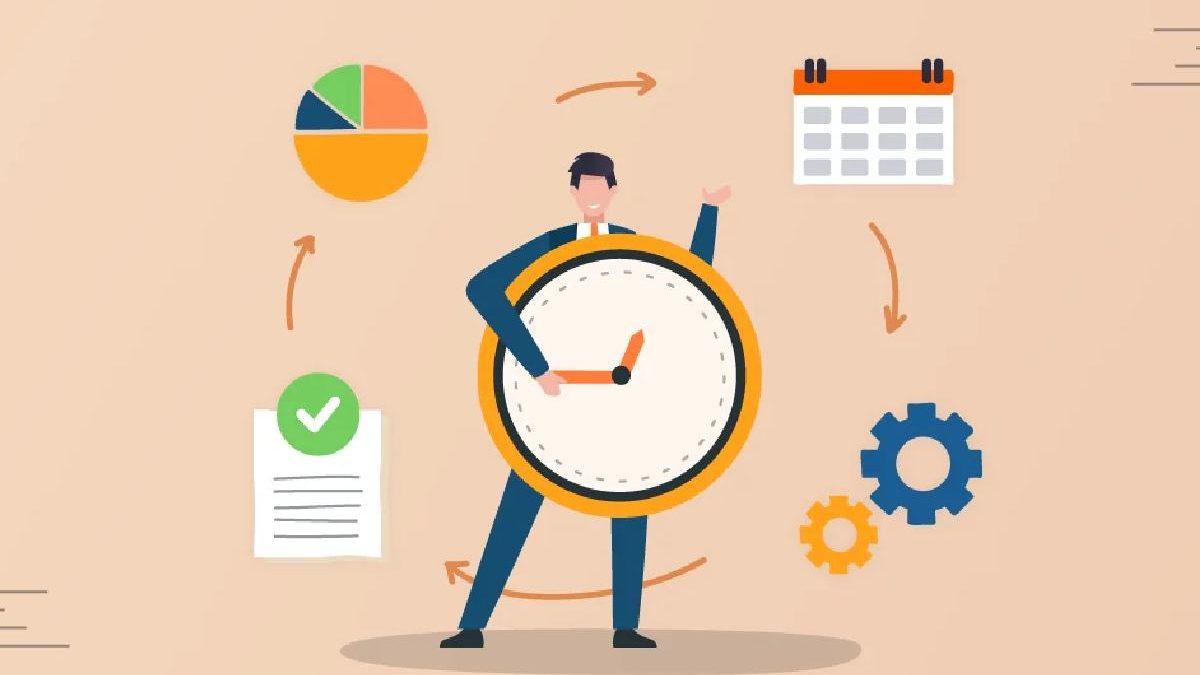
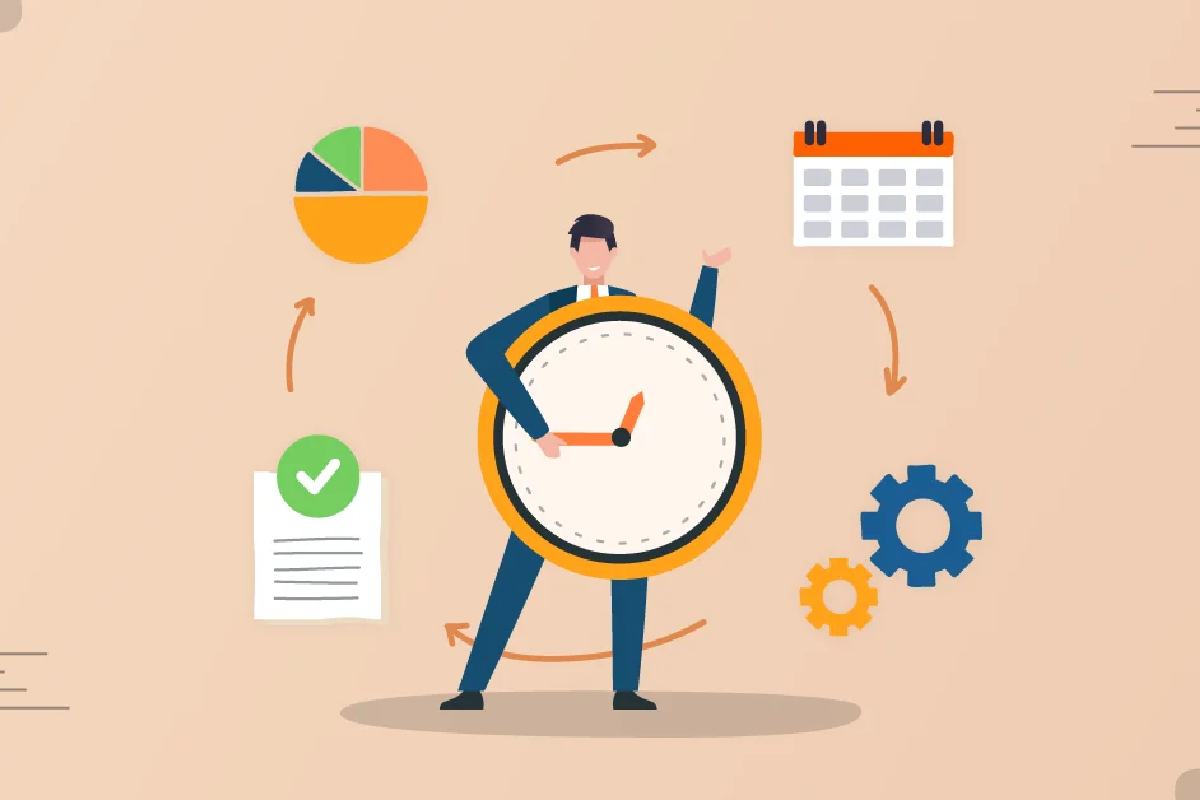
In today’s fast-paced world, managing time effectively has become more important than ever. With increasing work demands, constant digital distractions, and personal responsibilities competing for attention, many people struggle to stay productive without feeling overwhelmed. Time management helps individuals and organizations make better use of their limited time, reduce stress, and achieve goals more efficiently. When time is managed well, productivity improves, priorities become clearer, and work–life balance is easier to maintain.
Table of Contents
What Is Time Management?
Time management is the process of planning, organizing, and controlling how much time you spend on specific activities to work smarter—not harder. It involves setting clear goals, prioritizing tasks, allocating time wisely, and avoiding distractions to make the most of each day.
Effective time management enables you to:
- Complete tasks more efficiently
- Meet deadlines consistently
- Focus on high-priority activities
- Reduce procrastination and stress
- Create more time for personal growth and relaxation
In simple terms, time management is about taking control of your time so your time doesn’t control you.
Time Management Tips for Small Business Owners: 7 Strategies
| # | Strategy | How It Helps Small Business Owners |
| 1 | Set Clear Daily Priorities | Focuses attention on high-impact tasks that drive business growth |
| 2 | Plan Your Day in Advance | Reduces decision fatigue and saves time each morning |
| 3 | Delegate Tasks Effectively | Frees up owner time for strategic planning and leadership |
| 4 | Use Time-Tracking Tools | Identifies time-wasting activities and improves efficiency |
| 5 | Batch Similar Tasks | Minimizes context switching and boosts productivity |
| 6 | Limit Distractions | Improves focus by controlling emails, calls, and notifications |
| 7 | Set Realistic Deadlines | Prevents burnout and keeps work on schedule |
The 2026 Tech Stack for Automated Small Business Time Management
The concept of time management of small businesses in 2026 will not be related to schedulers, paper, or fixed lists of tasks. Now automation, AI, and smart integrations are a strong tech stack, which saves time and minimizes errors and increases productivity.
| Tool / Category | What It Does | Pricing (Indicative) | Reviews / Notes |
| Zapier (Workflow Automation) | Automates workflows across apps (triggers/actions between tools) | Starts from ~$19.99/mo (tiered plans) | Widely praised for connecting 8,000+ apps and saving time on repetitive tasks |
| Make (Visual Workflow Automation) | Drag-and-drop automations with real-time control | Free tier + paid plans from ~$9/mo | Excellent no-code builder with AI agent features |
| Bika.ai (AI Workflow Automation) | End-to-end workflow automation with AI logic | Flexible (usage-based) | Strong for structured automation across departments |
| ClickUp (Project & Time Management) | Combines tasks, goals, automations, and time tracking | Free tier; Paid from ~$5/mo/user | Popular as all-in-one productivity platform |
| Trello (Visual Time/Task Management) | Kanban boards with automation rules | Free + paid plans from ~$5/mo/user | Good for planning and automating card movements |
| Notion (Notes/Workflow/Database) | Custom dashboards + automation integrations | Free + plans from ~$8/mo/user | Flexible workspace for tasks and docs |
| QuickBooks AI (Accounting Automation) | Automates financial tasks and categorization | Subscription required | Helps reduce bookkeeping time with AI |
| TMetric (Time Tracking) | Tracks time spent on tasks and projects | Free + paid tiers | Simple, real-time time tracking for SMBs |
| HubSpot Automation (CRM + Workflow) | Automates email sequences, lead routing, and CRM tasks | Free + paid Growth plans | Highly effective CRM automation suite |
| n8n (Open-Source Automation) | Self-hosted workflow automation | Free (open-source) | Good for advanced, customizable automation |
Best Time Management Tools for Small Businesses (2026 Comparison)
| Tool | Best For | Key Features | Automation Level | Ease of Use |
| ClickUp | All-in-one time management | Tasks, docs, goals, AI planning | Very High | Medium |
| Asana | Structured task workflows | Task timelines, AI summaries | Medium | High |
| Monday.com | Visual workflow planning | Boards, automations, dashboards | High | Medium |
| Toggl Track | Accurate time tracking | Auto tracking, reports | Medium | Very High |
| Clockify | Budget-conscious teams | Time logs, invoicing | Medium | High |
| Motion | AI scheduling | Auto-prioritized daily plans | Very High | Hig |
Time Management Methods
| Time Management Method | How It Works | Pros | Cons | Recommended Tools |
| Pomodoro Technique | Work in short intervals (25 min work + 5 min break) | Boosts focus, reduces burnout, easy to start | Not ideal for deep or long creative work | Focus To-Do, Pomofocus, Toggl Track |
| Time Blocking | Schedule specific blocks of time for tasks | Improves planning, reduces multitasking | Requires discipline and planning | Google Calendar, Clockwise, Notion |
| Eisenhower Matrix | Prioritize tasks by urgency and importance | Helps focus on high-impact work | Can feel rigid for fast-changing days | Todoist, Notion, Trello |
| Getting Things Done (GTD) | Capture, clarify, organize, review, do | Great for complex workloads, reduces mental clutter | Initial setup can be time-consuming | Evernote, Todoist, Notion |
| Pareto Principle (80/20 Rule) | Focus on tasks that deliver most results | Maximizes efficiency and ROI | Hard to identify true 20% sometimes | ClickUp, Asana, Excel |
| Eat That Frog | Do the most difficult task first | Builds momentum, reduces procrastination | Can be mentally draining daily | Todoist, Microsoft To Do |
| Task Batching | Group similar tasks together | Saves time, improves efficiency | Less flexible for interruptions | ClickUp, Trello, Notion |
| Kanban Method | Visualize tasks in columns (To-Do, Doing, Done) | Clear workflow visibility, flexible | Less time-specific | Trello, Jira, ClickUp |
| Time Tracking Method | Track how time is actually spent | Identifies time waste, improves accountability | Can feel intrusive if overused | Toggl Track, Clockify, TMetric |
| Rapid Planning Method (RPM) | Focus on results, purpose, and action | Motivational, goal-driven | Less structured for daily micro-tasks | Notion, MindMeister |
Time Management Methods: Beginners vs Professionals
| Aspect | Beginners | Professionals |
| Primary Goal | Build basic productivity habits | Optimize performance & efficiency |
| Learning Curve | Low, quick to adopt | Medium to high |
| Best Focus | Completing daily tasks on time | Managing complex workloads & teams |
| Planning Style | Simple to-do lists | Strategic planning & forecasting |
| Task Volume | Low to moderate | High and multi-project |
| Flexibility Needed | Moderate | High |
| Time Awareness | Basic awareness | Data-driven time analysis |
Recommended Time Management Methods
| Category | Beginners | Professionals |
| Top Methods | Pomodoro Technique, To-Do Lists, Eat That Frog | Time Blocking, GTD, Eisenhower Matrix |
| Visual Methods | Simple Kanban boards | Advanced Kanban & workflow systems |
| Prioritization | Daily task ranking | Urgent vs Important frameworks |
| Focus Techniques | Short work sessions | Deep work & long focus blocks |
| Planning Frequency | Daily planning | Weekly & monthly planning |
Tools Comparison
| Tool Type | Beginners | Professionals |
| Task Management | Microsoft To Do, Todoist | ClickUp, Asana, Jira |
| Time Tracking | Toggl Track | Clockify, Harvest |
| Planning Tools | Google Calendar | Notion, Motion, Sunsama |
| Automation | Minimal | High (AI scheduling & workflows) |
Skill Development Focus
| Beginners Should Learn | Professionals Should Master |
| Consistency & habit building | Delegation & optimization |
| Basic prioritization | Strategic planning |
| Managing distractions | Team productivity systems |
| Simple routines | Automation & analytics |
Building Your Time Management OS: A Step-by-Step Guide to a Personalized Productivity System
| Step | OS Layer | What to Do | Tools (Examples) | Outcome |
| 1 | Goal Layer | Define short-term and long-term goals | Notion, Google Docs | Clear direction and priorities |
| 2 | Task Capture | Capture every task and idea in one inbox | Todoist, Notion, Microsoft To Do | No forgotten tasks |
| 3 | Prioritization System | Rank tasks by urgency and importance | Eisenhower Matrix, ClickUp | Focus on high-impact work |
| 4 | Planning Framework | Plan daily, weekly, and monthly schedules | Google Calendar, Sunsama | Structured time usage |
| 5 | Execution Method | Choose how you work (Pomodoro, Deep Work) | Focus To-Do, Forest | Improved focus and flow |
| 6 | Time Tracking | Track how time is actually spent | Toggl Track, Clockify | Awareness of time leaks |
| 7 | Automation Layer | Automate repetitive tasks | Zapier, Make | Less manual work |
| 8 | Distraction Control | Limit interruptions and context switching | Freedom, Cold Turkey | Better concentration |
| 9 | Review & Reflection | Weekly and monthly reviews | Notion, Evernote | Continuous improvement |
| 10 | Scaling System | Delegate or optimize as workload grows | Asana, ClickUp | Sustainable productivity |
How to Personalize Your Time Management OS
| Work Style | Recommended Focus |
| Beginners | Simple task lists + Pomodoro |
| Professionals | Time blocking + GTD |
| Small Business Owners | Delegation + automation |
| Remote Workers | Distraction control + time tracking |
Key Rule of a Successful Time Management OS
Your system should adapt to you — not the other way around.
Start simple, test weekly, and evolve over time.
Mastering the Clock in a Dispersed Team: Time Management for Remote-First Small Businesses
Remote-first teams have special time management issues:time zones, asynchronous communication, blurred work-life boundaries.
Key Time Management Strategies for Remote Teams
- Shift from Hours to Outcomes
Focus on deliverables, not time spent online. Clear goals improve autonomy and accountability.
- Embrace Asynchronous Work
Reduce real-time meetings and use shared documents, task updates, and recorded messages.
- Standardize Time Zones & Overlap Hours
Define core overlap windows for collaboration while respecting individual schedules.
- Use Shared Time Visibility
Team calendars and workload views prevent overbooking and improve coordination.
- Protect Deep Work Time
Encourage meeting-free blocks and respect focus hours to boost productivity.
Remote Team Time Management Tools (2026)
| Challenge | Tool Type | How It Solves the Problem |
| Time zone differences | Shared calendars | Visibility across regions |
| Meeting overload | Async tools | Fewer real-time meetings |
| Productivity tracking | Time analytics tools | Outcome-based evaluation |
| Burnout risk | Workload dashboards | Balanced task distribution |
| Communication gaps | Central collaboration hubs | Single source of truth |
The Result
Having proper systems, the small businesses that are remote-first can be more effective than traditional teams, which work smart, not hard.
Related Reading: Check out our guide on how to choose the right Digital Marketing Agency