

Fahmeena creates practical and reader-focused content across technology, digital marketing, business and emerging digital trends.

Sameena reviews published content for clarity, factual presentation, consistency and overall reader usefulness.
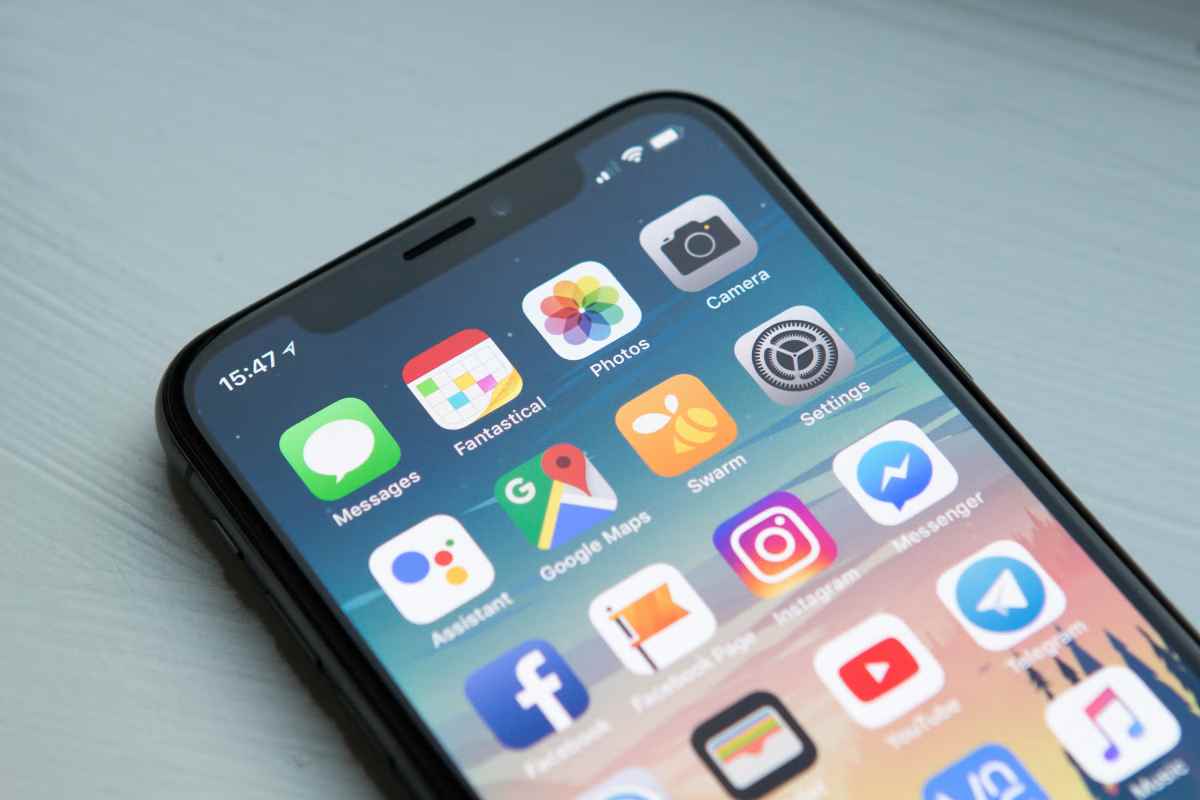
iPhone Apps in 2021: Thanks to cellphones, they simplified our lives and made them more pleasant. We used to keep a camera, stop at a bank to check our balance or even use a public phone booth. Phones have relieved us of this load, giving us more time to engage in things we couldn’t accomplish before owing to minor commitments.
With the debut of a new phone comes new features and specs that serve the interests of app developers while also updating your smartphone with fascinating apps. With these applications, you may improve your usability and experience in the same way you would put new iPhone replacement parts in a new iPhone for more excellent performance.
iOS Apps
Table of Contents
iPhone Apps in 2021: A Retrospective on the Trends That Shaped Today
The year 2021 was a turning point for iPhone apps. Global remote work, digital wellness awareness, and creator-driven platforms reshaped how apps were built, monetized, and used. Many of today’s essential iPhone apps evolved directly from trends that peaked in 2021.
Key App Trends That Defined 2021
| Trend | Why It Mattered | Impact Today |
|---|---|---|
| Remote Work Tools | COVID-era work from home | AI-powered productivity apps |
| Subscription Models | Freemium monetization | Recurring revenue dominance |
| Digital Well-Being | Burnout awareness | Focus & wellness apps |
| Short-Form Video | TikTok growth | Creator economy explosion |
| Privacy Awareness | App Tracking Transparency | Stronger privacy controls |
| All-in-One Apps | App overload fatigue | Super-apps & ecosystems |
Takeaway:
2021 forced apps to be useful, ethical, and habit-forming—a foundation that still defines top iPhone apps today.
From 2021 to Now: How These Essential iPhone Apps Have Evolved
Many apps we now consider “essential” looked very different in 2021.
App Evolution Comparison
| App | 2021 Version | 2026 Version |
|---|---|---|
| Notion | Notes + databases | AI workspace, automation |
| Zoom | Video calls only | Meetings, docs, AI summaries |
| Photo-centric | Video-first, commerce | |
| TikTok | Entertainment | Creator monetization platform |
| Apple Maps | Navigation | AR, offline maps, guides |
| Spotify | Music streaming | Podcasts, audiobooks, AI DJ |
Major Shift:
Apps moved from single-purpose tools → intelligent platforms.
2021’s Hidden Gem iPhone Apps for Productivity & Focus
Not all influential apps were mainstream in 2021. Some quietly built loyal users—and later shaped modern app design.
Hidden Gems of 2021 (Productivity & Focus)
| App | Why It Was Underrated | Influence Today |
|---|---|---|
| Things 3 | Minimal task manager | Inspired calm UI design |
| Forest | Gamified focus | Habit-based productivity |
| Bear | Markdown notes | Clean writing apps |
| Otter.ai | Meeting transcription | AI note-taking boom |
| Freedom | App blocking | Digital wellness tools |
Why These Apps Mattered
-
Focused on mental clarity
-
Prioritized design simplicity
-
Reduced notification overload
Many of today’s AI productivity apps are built on these same principles.
The Definitive List: The Most Downloaded iPhone Apps of 2021 and Where They Are Now
In 2021, downloads reflected global behavior changes—social connection, entertainment, and utility.
Most Downloaded iPhone Apps of 2021
| Rank | App | Category | Status Today |
|---|---|---|---|
| 1 | TikTok | Social / Video | Still dominant |
| 2 | YouTube | Video | Creator & Shorts focus |
| 3 | Social | Commerce + Reels | |
| 4 | Messaging | Business & payments | |
| 5 | Social | Declining relevance | |
| 6 | Zoom | Communication | Enterprise-focused |
| 7 | Telegram | Messaging | Privacy-centric |
| 8 | Snapchat | Social | AR-driven growth |
| 9 | Spotify | Music | Podcast ecosystem |
| 10 | CapCut | Video editing | Creator staple |
Then vs Now: App Relevance Comparison
| App | 2021 Role | 2026 Role |
|---|---|---|
| TikTok | Entertainment | Culture driver |
| Zoom | Work necessity | Business tool |
| Social hub | Legacy platform | |
| CapCut | Casual editing | Professional creator tool |
| Telegram | Messaging | Secure communities |
What 2021 Taught App Developers (And Users)
| Lesson | Result Today |
|---|---|
| Simplicity wins | Clean UI dominance |
| Privacy matters | Transparency controls |
| Subscriptions work | SaaS-style apps |
| Community beats features | Creator ecosystems |
| Mental health is key | Focus & wellness apps |
iPhone Apps in 2021- iTranslate
Even though it will state that English is a worldwide language, it is not sufficiently global to be accessible to everyone and everywhere. Even amid a worldwide language, indigenous peoples speak in their original tongues.
Assume you are attempting to discover a means to immerse oneself in a foreign language and culture or travel to an unknown country in terms of language and culture. In that scenario, I Translate iPhone Apps in 2021 can help you out.
I Translate Phone Apps in 2021is one of the most valuable and innovative tools for communicating in a foreign language. Existing translation applications translate text; however, translate instantaneously translates live voice. This program is handier than Apple’s built-in translation tool due to its database’s availability of over 100 languages. Furthermore, it operates offline, allowing tourists to speak with locals even when they connect to the internet.
iTrasnlate Phone Apps in 2021 helps learn a new language quickly. Please take a photo of an unknown object; the app’s AI function will translate it into the language you select, along with choices such as flashcards and vocabulary drill activities.
iPhone Apps in 2021- Photomath
Recent technological advancements have made tackling math tasks faster and wiser than ever before for people who find arithmetic challenging to solve and an imposition on them.
The feature analyses images of math problems ranging from basic arithmetic through calculus, geometry, and algebra and transforms them into text and characters. You will receive your response immediately. In another language, all you contain to do is launch the iPhone Apps , snap the image, and your response will appear on the screen. Learning how to utilize this software is more accessible than solving a math problem, and it is handier and quicker than any other type of calculator on the market. It only comes into play when you don’t want to answer a math issue independently.
It appears to be a nightmare for parents and teachers who want their pupils to grow autonomously without the assistance of such applications, particularly Photomath iPhone Apps in 2022. Nonetheless, this software may aid you in matching your solutions and receiving immediate assistance without requiring you to beg.
The software delivers vital services for free, such as receiving step-by-step answers. Its membership option includes tutorial videos as well as other features.
iPhone Apps in 2021- Buddy’s Time
Working with individuals from different time zones and frequently finding oneself locked in what time is in a particular place is often stressful and results in missed deadlines. If you are one of such folks, look for a self-help review and download Time Buddy iPhone Apps in 2021 to get out of the bind.
Time Buddy iPhone Apps in 2021 is more than just time-saving because it keeps you from finding an official time zone converter. Instead, it switches your schedule to a different time zone.
Time Buddy iPhone Apps in 2021saves hours of converting schedules back and forth while traveling. It automatically arranges your meetings and coordinates timing with colleagues in other time zones.
If you routinely collaborate with people in different time zones, forming a group will help you manage your team’s varied time zones.
iPhone Apps in 2021- Pixelcut
Designing your profile photo is a talent that is in high demand nowadays. Almost everyone can be a graphic designer nowadays, thanks to digital creative applications in android mobile . If you desire to be one of them, whether you’re interested in becoming one or you’re currently one, you’ll probably enjoy Pixelcut iPhone Apps in 2021 since it allows you to create your photographs while you’re on the go.
If you’ve ever been curious about your social media friends’ outstanding profile photographs, it’s conceivable that they will create using Pixelcut iPhone Apps in 2021.
Pixelcut functions similarly to Photoshop on the iPhone, but it is more user-friendly. Pixelcut’s features include a backdrop remover and replacer, photo templates, and text styles that make you look almost professional. These features help you sell more items and build your business with a professional product look.
iPhone Apps in 2021- Cam Scanner
Cam Scanner, which belongs to education, is a must-have for many people since it eliminates the need to visit a store for scanning or faxing. This program simplifies the process of transferring files from one location to another.
We frequently take shortcuts, such as photographing the document. Which appears unprofessional. While Cam Scanner catches the paper, removes the backdrop, blurs it. And then develops it to seem precisely like the original by improving the brightness and eliminating wrinkle stains.
Cam Scanner can deliver documents via the app after converting them to pdf format. It allows you to print or transmit as many copies as you need in a row. This time-saving software can do a 30-minute task in less than three minutes.
iPhone Apps in 2021- Lookup in the Reverse
Have you ever had the skill of missing a call and became concerned because you did not save the caller’s number? Recently. There has been a rise in spam calls, and not knowing who is phoning you causes you to be distract for a long time. Resulting in you leaving all your work undone and paying attention to the phone.
You may avoid this psychological agony by using Reverse Lookup. Before returning the call. It allows you to get information about the caller, including the name registered with the number. Cybersecurity experts strongly advise avoiding such calls at all costs, as they may be detrimental to your identity. This software also guarantees that you have up-to-date and verifiable information on the caller.
How to Hide Apps in iPhone
Method 1: Remove App from Home Screen (iOS 14+)
This hides the app but keeps it installed.
Steps:
-
Long-press the app icon
-
Tap Remove App
-
Choose Remove from Home Screen
The app is still accessible via App Library and Search.
Pros & Cons
| Pros | Cons |
|---|---|
| Quick & simple | App still visible in App Library |
| App not deleted | Search can still find it |
Method 2: Hide App in App Library Folder
iPhone automatically sorts apps into categories.
Steps:
-
Swipe left to open App Library
-
Find the app under its category (e.g., Social, Utilities)
You can’t fully remove apps from App Library, but this keeps them off your Home Screen.
Method 3: Hide Apps Using Screen Time (Most Secure)
This is the best method to truly hide apps.
Steps:
-
Go to Settings → Screen Time
-
Tap Content & Privacy Restrictions
-
Turn it ON
-
Tap Allowed Apps
-
Toggle OFF the apps you want to hide (Safari, Camera, etc.)
The app disappears completely.
Method 4: Hide Apps by App Age Rating
Useful for hiding social media or third-party apps.
Steps:
-
Settings → Screen Time
-
Content & Privacy Restrictions → Content Restrictions
-
Tap Apps
-
Select 9+, 12+, or 4+
Apps above the selected age rating will be hidden.
Example
| Rating Selected | Hidden Apps |
|---|---|
| 12+ | Instagram, Snapchat |
| 9+ | Most social apps |
| 4+ | Almost all apps |
Method 5: Hide Apps from Search & Siri Suggestions
Prevents apps from showing in search results.
Steps:
-
Settings → Siri & Search
-
Select the app
-
Turn OFF:
-
Learn from this App
-
Show App in Search
-
Show on Home Screen
-
Method 6: Use App Folders (Basic Privacy)
Not true hiding, but reduces visibility.
Steps:
-
Drag app onto another app to create a folder
-
Place it on the last Home Screen page
-
Rename folder to something boring (e.g., “Utilities”)
Method 7: Lock Apps (iOS 17+ Feature)
While iPhones don’t fully lock apps individually, you can:
-
Use Screen Time → App Limits
-
Set a 1-minute daily limit
-
Enable Ask for More Time
Requires Screen Time passcode to open.
App for Scanner
Scanner App, like CamS canner, scans documents and PDFs. Scanner App, on the other hand. Has several extra capabilities. The key differentiating aspect of the paper is the sign component. If you need to sign a text for legal purposes, this software will assist you in doing so quickly. There is also the ability to modify PDFs, which allows you to make changes if something goes wrong.
The Scanner App offers an exciting counting feature, and it can count the number of items you are photographing. This program is helpful for construction contractors and engineers who have to count the number of screws, for example, manually.
Conclution
You may avoid this psychological agony by using Reverse Lookup. Before returning the call, it allows you to get information about the caller, including the name registered with the number.
Cybersecurity experts strongly advise avoiding such calls at all costs, as they may be detrimental to your identity.
This software also guarantees that you have up-to-date and verifiable information on the caller.
Fahmeena Begum is a Digital Marketing & Technology Writer at SlashdotBlog with 3+ years of writing experience. Her work covers digital marketing, technology, business, software, artificial intelligence and emerging digital trends.
View Author Profile →
Sameena Begum is a Technology & Digital Content Reviewer with 8 years of experience. Her review work focuses on editorial clarity, factual presentation, readability, consistency and reader usefulness.
View Reviewer Profile →